Konica Minolta bizhub C450 Field Service Manual – PDF DOWNLOAD
$38.95
Konica Minolta bizhub C450 Field Service Manual – PDF DOWNLOAD
Description
Konica Minolta bizhub C450 Field Service Manual – PDF DOWNLOAD
FILE DETAILS:
Konica Minolta bizhub C450 Field Service Manual – PDF DOWNLOAD
Language : English
Pages : 780
Downloadable : Yes
File Type : PDF
IMAGES PREVIEW OF THE MANUAL:
TABLE OF CONTENTS:
Konica Minolta bizhub C450 Field Service Manual – PDF DOWNLOAD
bizhub C450 Field Service Manual 1
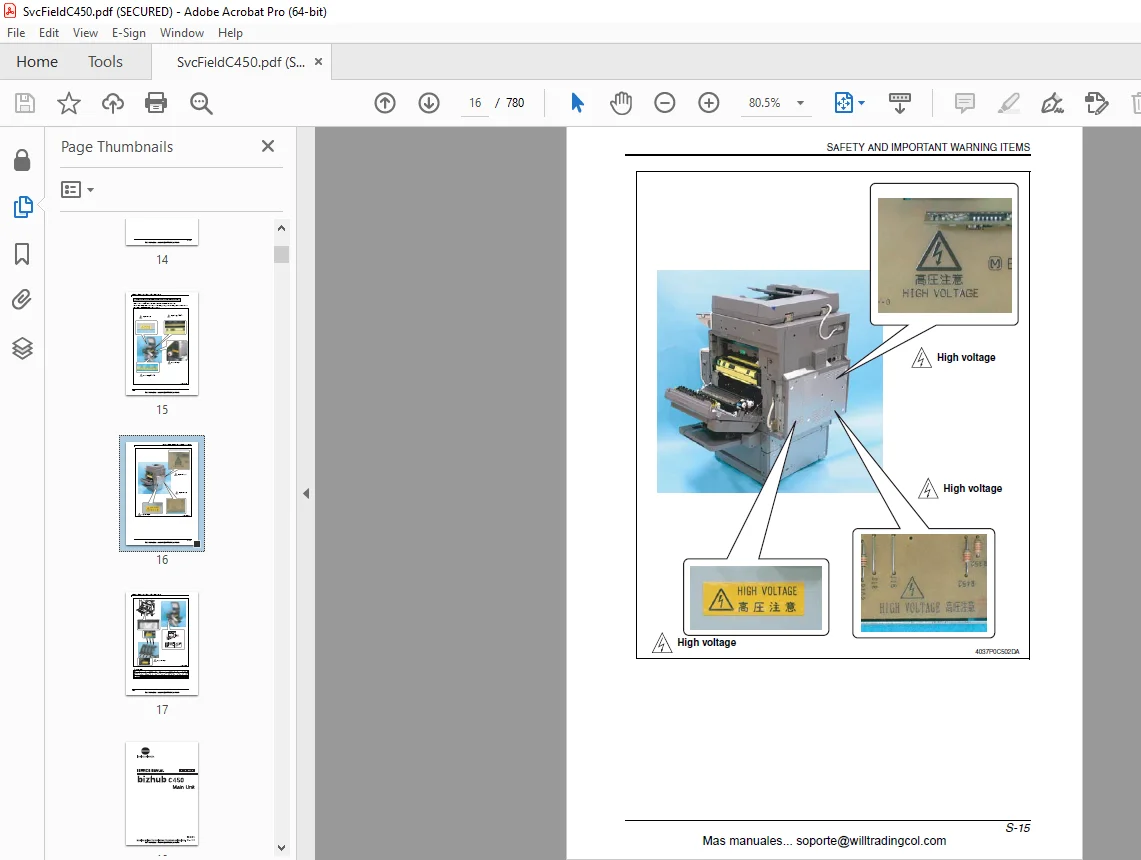
Safety and Important Warning Items 2
Main Unit 18
TOC 22
General 38
1 System configuration 38
2 Product Specifications 40
21 Type 40
22 Functions 40
23 Types of Paper 41
24 Maintenance 41
25 Machine Specifications 41
26 Operating Environment 42
27 Builg-in Controllers 42
Maintenance 44
3 Periodic Check 44
32 Maintenance items 44
33 Maintenance parts 47
34 Concept of parts life 49
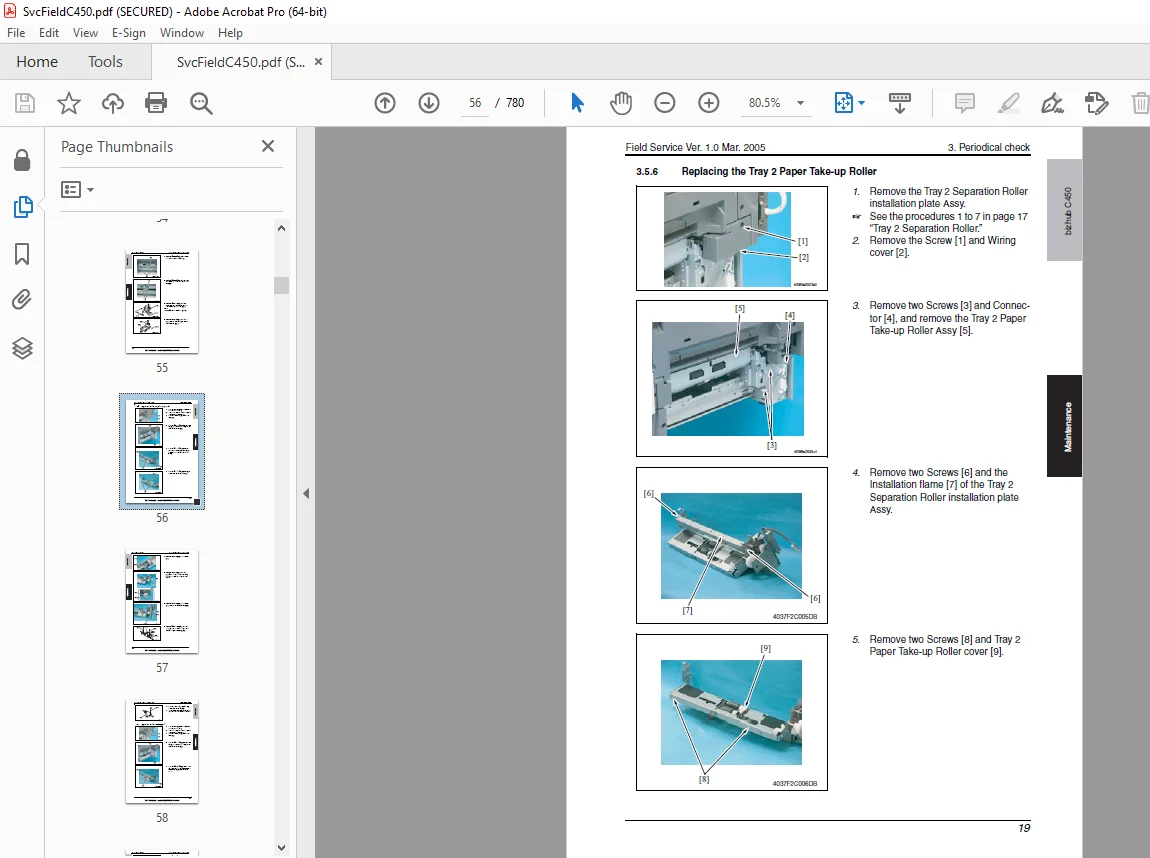
35 Maintenance procedure (Periodical check parts) 51
36 Replacing the unit 64
4 Service Tool 72
41 CE Tool List 72
42 Copy materials 73
5 Firmware upgrade 74
51 Preparations for Firmware rewriting 74
52 Firmware rewriting 81
6 Other 83
61 Disassembly/Adjustment prohibited items 83
62 Disassembly/Assembly/Cleaing list (Other parts) 84
63 Disassembly/Assembly procedure 87
64 Cleaning procedure157
65 Mount the original size detecting sensor FD2 (PC204)164
66 Option Counter166
Adjustment/Setting170
7 How to use the adjustment section170
8 Utility Mode171
81 Touch Panel Adj171
82 Utility Mode function tree172
83 Utilty Mode function setting procedure186
84 One-Touch Registration187
85 User Setting190
86 Administrator Setting202
9 Adjustment Item List253
10 Service Mode255
101 Service Mode function setting procedure255
102 Service Mode function tree256
103 Date/Time Input mode259
104 Machine260
105 Firmware Version275
106 Imaging Process Adjustment276
107 CS Remote Care284
108 System 1297
109 System 2299
1010 Counter306
1011 List Output309
1012 State Confirmation310
1013 Test Mode324
1014 ADF328
1015 FAX328
1016 Finisher328
11 Enhanced Security329
111 Enhanced Security Function Setting Procedure329
112 Enhanced Security Function Tree329
113 Settings in the Enhanced Security330
12 Billing Setting332
121 Billing Setting Function Setting Procedure332
122 Billing Setting Function Tree332
123 Settings in the Billing Setting333
13 Procedure for Resetting336
131 Trouble resetting336
132 Contents to be cleared by Reset function336
14 Mechanical adjustment337
141 Mechanical adjustment of the scanner section337
142 Scnaner Position Adjustment338
143 Mechcanical adjustment of the bypass tray section339
Troubleshooting342
15 Jam Display342
151 Misfeed Display342
152 Sensor layout344
153 Solution346
16 Malfunction code355
161 Restarting355
162 Alert Code355
163 Solution357
164 Trouble code360
165 How to reset381
166 Solution382
17 Power supply trouble408
171 Machine is not Energized at All (PU1 Operationg Check)408
172 Control panel indictors do not light408
173 Fuisng Heaters do not Operate409
174 Power is not supplied to ADF409
175 Power is not supplied to Duplex409
176 Power is not supplied to Option410
18 Image quality problem411
181 How to read element date411
182 How to identify problematic part414
183 Solution416
Appendix460
19 Parts layout drawing460
191 Main Unit460
192 PC102/PC202 (Option)471
193 PC-402 (Option)472
194 FS-507 (Option)473
195 JS-601 (Option)475
193 FS-603 (Option)476
197 PK-501 (Option)478
198 Horizontal Transport Unit479
20 Connector layout drawing480
21 Timing Chart483
211 Main Unit483
212 Automatic Document Feeder484
Standard Controller496
TOC500
General502
1 Controller specifications502
11 Type502
12 Support client spcifications503
Maintenance504
2 Checking the controller firmware version504
3 Firmware upgrade504
31 Preparations for Firmware rewriting504
32 Firmware rewriting511
Adjustment/Setting514
4 Checking the Image Controller Setting514
Troubleshooting516
5 Checking the system configuration516
6 Status codes516
7 Troubleshooting procedures516
71 Unable to print over the network516
72 Ujable to transmit data through Scan to FTP518
73 Unable to transmit data though Scna to E-Mial/Internet FAX519
74 E-mail doe snot reach the destination when transmission through Scn to E-Mail/Scan to Internet FAX is complete520
Automatic Document Feeder522
TOC526
General528
1 Product specification528
11 Type528
12 Functions528
13 Paper type528
14 Paper feed prohibited originals529
15 Paper feed not guaranteed originals529
16 Mixed original feed chart530
17 Machine specifications530
18 Operating environment531
Maintenance532
2 Periodical check532
21 Mainteanance procedure (Periodical check parts)532
3 Other538
31 Disassembly/Adjustment prohibited items538
32 Disassembly/Assembly list (Other parts)539
33 Disassembly/Assembly procedure539
Adjustment/Setting542
4 How to use the adjustment section542
5 Service Mode543
51 Service Mode setting procedure543
52 ADF setting procedure543
53 Sensor check list545
6 Mechanical adjustment547
61 Adjustment of the tray volume547
62 Adjustment of the document edge guide reference position548
63 Adjustment of the document skew549
64 Adjustment of the document stop position550
65 Adjustment of the registration loop value555
66 Sensor auto adjustment556
Troubleshooting558
7 Jam Display558
71 Misfeed display558
72 Sensor layout558
73 Solution559
8 Set error detection563
Automatic Duplex Unit564
TOC568
General570
1 Product specifications570
11 Type570
12 Paper type570
13 Machine specifications570
14 Operating environment570
Mainteanance572
2 Periodical check572
21 Mainteanance procedure (Periodical check parts)572
3 Other574
31 Disassembly/Adjustment prohibited items574
32 Disassembly/Assembly list (Other parts)575
33 DisassemblyAssembly procedure575
Adjustment/Setting576
4 How to use the adjustment section576
5 Sensor check577
51 Check procedure577
52 Sensor check list577
6 Mechanical adjustment578
61 Adjusting the paper reference position578
Troubleshooting580
7 Jam Display580
71 Misfeed display580
72 Sensor layout580
73 Solution581
PC-102/PC-202584
TOC588
General590
1 Product specifications590
11 Type590
12 Paper type590
13 Machine specifications590
14 Operating environment590
Mainteanance592
2 Periodical check592
21 Maintenance procedure (Periodical check parts)592
3 Other597
31 Disassembly/Adjustment prohibited items597
32 Disassembly/Assembly/Cleaning list (Other parts)598
33 Disassembly/Assembly procedure599
34 Cleaning procedure600
Adjustment/Setting602
4 How to use the adjustment section602
5 Sensor check603
51 Check procedure603
52 Sensor check list603
6 Mechanical adjustment605
61 Adjusting the paper reference position605
Troubleshooting608
7 Jam Display608
71 Misfeed display608
72 Sensor layout609
73 Solution610
8 Trouble code613
81 Trouble code display613
82 Trouble code list613
83 How to reset613
84 Solution614
PC-402616
TOC620
General622
1 Product specification622
11 Type622
12 Paper type622
13 Machine specifications622
14 Operating environment622
Mainteanance624
2 Periodical check624
21 Mainteanance procedure (Periodical check parts)624
3 Other629
31 Disassembly/Adjustment prohibited items629
32 Disassembly/Assembly/Cleaning list (Other parts)630
33 Disassemblly/Assemblly procedure631
34 Cleaning procedure635
Adjustment/Setting638
4 How to use the adjustment section638
5 Sensor check639
51 Check procedure639
52 sensor check list639
6 Mechcanical adjustment641
61 Adjusting the paper reference position641
Troubleshooting646
7 Jam Display646
71 Misfeed display646
72 Sensor layout647
73 Solution648
8 Trouble Code650
81 Trouble code display650
82 Trouble code list651
83 Solution653
FS-507658
TOC662
General666
1 Product specification666
11 Type666
12 Functions666
13 Paper type666
14 Stapling667
15 Sort and staple capacity668
16 Hole Punch668
17 Machine specifications668
18 Operating environment668
Maintenance670
2 Other670
21 Disassembly/Adjustment prohibited items670
22 Disassembly/Assembly list (Other parts)671
23 Disassembly/Assembly procedure671
Adjustment/Setting676
3 How to use the adjustment section676
4 Sensor check677
41 Check procedure677
42 Sensor check list677
5 Mechanical adjustment679
51 Check/Adjustment of the Punch Hole positions679
52 Adjustment of the solenoids680
53 Timing belt tension adjustment680
54 Adjustment of the Elevator Tray Upper Limit Sensor682
6 Board switch683
7 Test mode684
71 Test mode setting procedure684
72 Test mode operations684
73 Operation in each test mode operation685
Troubleshooting690
8 Jam Display690
81 Misfeed display690
82 Sensor layout691
83 Solution692
9 Trouble code697
91 Trouble code display697
92 Trouble code list697
93 Solution699
FS-603704
TOC708
General712
1 Product specification712
11 Type712
12 Functions712
13 Paper type712
14 Stapling713
15 No of sheets to be stapled (sort staple)714
16 Machine specifications714
Mainteanance716
2 Other716
21 Disassembly/Adjustment prohibited items716
22 Disassembly/Assembly list (Other parts)717
23 Disassembly/Assembly procedure718
Adjustment/Setting734
3 How to use the adjustment section734
4 Sensor check735
41 Check procedure735
42 Sensor check list735
5 Mechanical adjustment737
51 Adjustment of the stapling position737
52 Adjustment of the folding position739
53 Adjustment of height and inclination741
54 Adjustment of the Folding Position743
55 Stapler Phase Adjustment747
56 Saddle Gear Phase Adjustment750
6 Board switch751
61 PWB-A FN (Finisher Control Board)751
62 PWB-B PK (Punch Control Board)756
Troubleshoting762
7 Jam Display762
71 Misfeed Display762
72 Sensor layout763
73 Solution764
8 Trouble code767
81 Trouble code display767
82 Trouble code list767
83 Solution771
DESCRIPTION:
Konica Minolta bizhub C450 Field Service Manual – PDF DOWNLOAD
SAFETY AND IMPORTANT WARNING ITEMS:
Read carefully the Safety and Important Warning Items described below to understand them before doing service work.
IMPORTANT NOTICE :
- Because of possible hazards to an inexperienced person servicing this product as well as the risk of damage to the product, KONICA MINOLTA BUSINESS TECHNOLOGIES, INC. (hereafter called the KMBT) strongly recommends that all servicing be performed only by KMBT-trained service technicians.
- Changes may have been made to this product to improve its performance after this Service Manual was printed. Accordingly, KMBT does not warrant, either explicitly or implicitly, that the information contained in this Service Manual is complete and accurate.
- The user of this Service Manual must assume all risks of personal injury and/or damage to the product while servicing the product for which this Service Manual is intended.
- Therefore, this Service Manual must be carefully read before doing service work both in the course of technical training and even after that, for performing maintenance and control of the product properly. Keep this Service Manual also for future service.
G.B 28/02/25