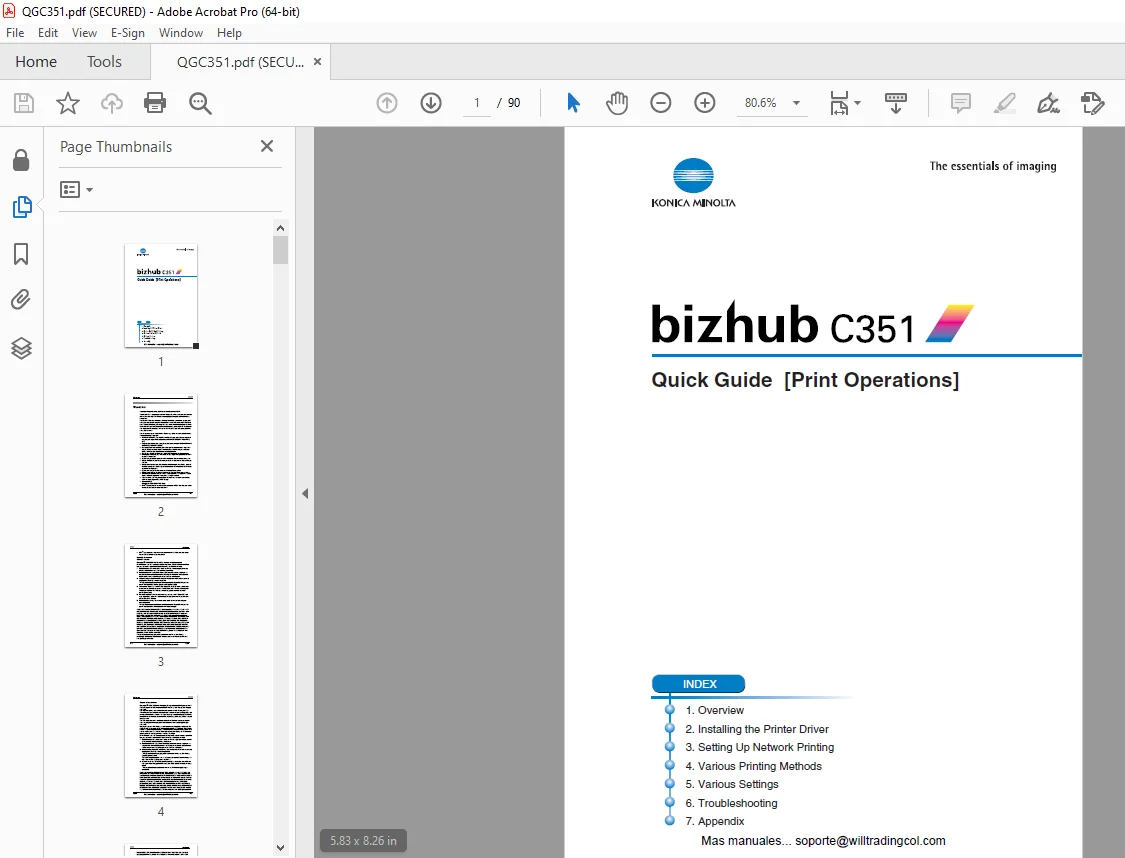
Konica Minolta bizhub C351 Print Operations Quick Guide Manual – PDF
$19.95
Konica Minolta bizhub C351 Print Operations Quick Guide Manual – PDF DOWNLOAD
Description
Konica Minolta bizhub C351 Print Operations Quick Guide Manual – PDF DOWNLOAD
FILE DETAILS:
Konica Minolta bizhub C351 Print Operations Quick Guide Manual – PDF DOWNLOAD
Language : English
Pages : 90
Downloadable : Yes
File Type : PDF
IMAGES PREVIEW OF THE MANUAL:
TABLE OF CONTENTS:
Konica Minolta bizhub C351 Print Operations Quick Guide Manual – PDF DOWNLOAD
Welcome 2
Copyright 5
SOFTWARE LICENSE AGREEMENT 6
Contents 8
About this Quick Guide11
C351 User’s Guides11
Notations11
Screen Images in This Quick Guide11
Using This Quick Guide12
1 Overview14
11 Printer Controller CD-ROM Configuration14
12 Printer Controller17
Role of the Printer Controller17
Available Printer Controller Functions17
Machine Modes18
Printing Flow19
Flow of the Computer Faxing Operation20
13 Operation Environment21
Compatible Computers and Operating Systems21
Compatible Interfaces22
14 Setting Up the System24
To set up the printing system24
2 Installing the Printer Driver26
21 Printer Drivers and Supported Operating Systems26
22 When Used With Windows27
Automatic Installation Using the Installer28
To install the printer driver29
Installing the Printer Driver Using the Add Printer Wizard32
For Windows XP/Server 200332
For Windows 98SE/Me/2000/NT 4035
Installing the Printer Driver Using Plug and Play37
For Windows 98SE37
For Windows Me/200038
For Windows XP/Server 200339
Uninstalling the Printer Driver40
23 When Used With Macintosh41
Installing the Printer Driver41
For Mac OS X41
Selecting a Printer43
For Mac OS X43
For Mac OS 9244
Uninstalling the Printer Driver46
For Mac OS X46
For Mac OS 9247
3 Setting Up Network Printing48
31 Overview of Network Functions48
Network Functions48
Features of the Network Functions49
Network Connection Methods That Can Be Selected in Each Windows Operating System50
Network Printing from a Windows Operating System50
Network Printing in a NetWare Environment51
32 Accessing PageScope Web Connection52
To access PageScope Web Connection52
4 Various Printing Methods54
41 Printing Operations54
For Windows54
Test Printing55
For Macintosh56
For Mac OS X56
For Mac OS 9257
42 Setting the Printing Functions58
Function List58
Function Overview60
Orientation60
Original Size and Output Size61
Zoom (Enlargement and Reduction)62
Input Tray (Paper Source)63
Paper Type63
Print Type (Duplex Printing/Booklet Printing)64
Printing Multiple Pages on One Page65
Stapling and Hole Punching66
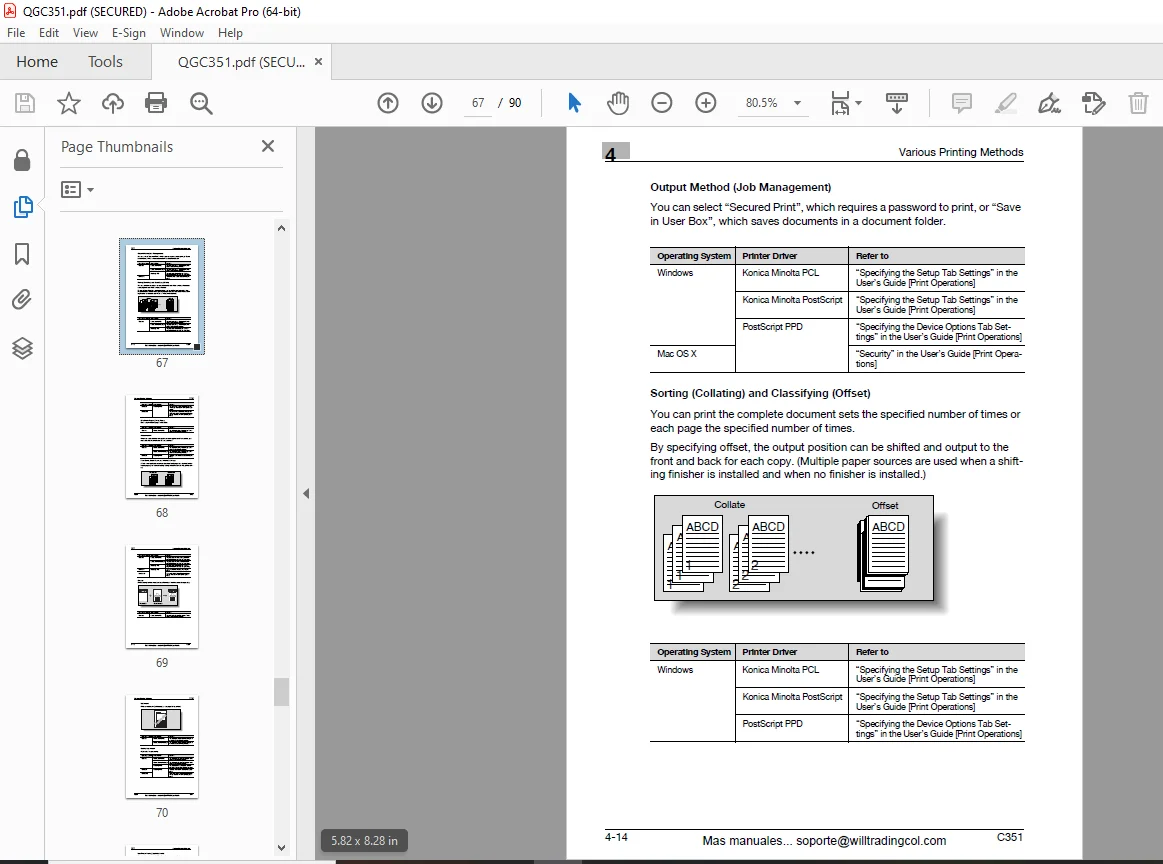
Output Method (Job Management)67
Sorting (Collating) and Classifying (Offset)67
Skip Blank Pages (Saving Paper)68
Authentication68
Front Cover, Back Cover, and Interleaf Settings68
Overlay69
Watermark70
Quality Adjustment70
Use Printer Fonts (Substitute Fonts)71
Account Track71
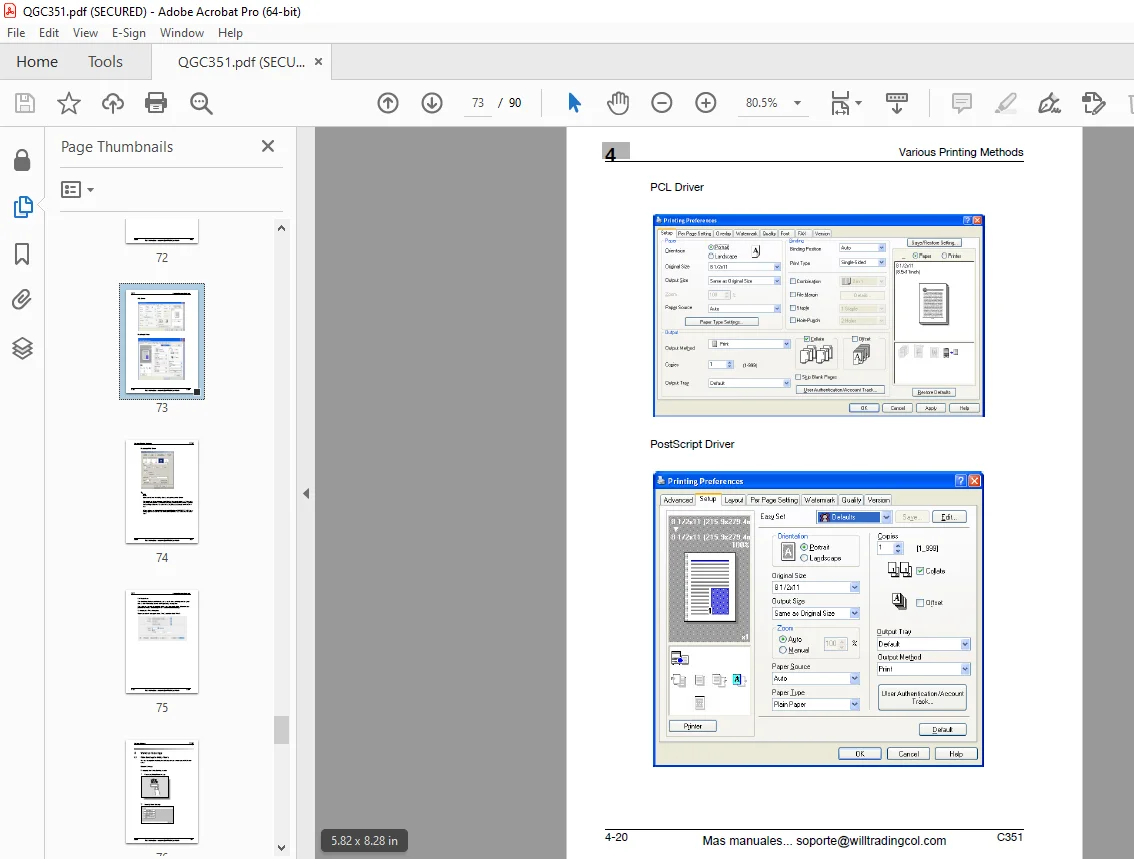
For Windows72
For Macintosh75
5 Various Settings76
51 Print Settings in Utility Mode76
Default Settings76
To display the Utility Setting screen76
6 Troubleshooting78
61 Unable To Print78
62 Unable To Specify Desired Settings or Unable To Print as Specified80
63 Error Message82
7 Appendix84
71 Specifications84
72 Configuration Page86
73 Font List87
PCL Font List87
PS Font List88
TEST Page89
DESCRIPTION:
Konica Minolta bizhub C351 Print Operations Quick Guide Manual – PDF DOWNLOAD
INTRODUCTION:
- The bizhub C351 is equipped with an integrated printer controller that allows you to print directly from Windows-compatible computers or Macintosh computers.
- This Quick Guide describes the printing functions, operations, usage, and safety precautions of the printer controller. In order to ensure that this ma- chine is used efficiently, carefully read this manual before using the machine. In order to ensure that this machine is used safely, carefully read “Installation and Operation Precautions” in the User’s Guide [Copy Operations] before using the machine.
- The illustrations used in this Quick Guide may differ from the actual model.
Trademarks and Copyright:
- KONICA MINOLTA, the KONICA MINOLTA logo, and The essentials of imaging are registered trademarks of KONICA MINOLTA HOLDINGS, INC.
- Page Scope and bizhub are registered trademarks of KONICA MINOLTA BUSINESS TECHNOLOGIES.
- Netscape Communications, the Netscape Communications logo, Net- scape Navigator, Netscape Communicator, and Netscape are trade- marks of Netscape Communications Corporation.
- Novell and Novell NetWare are registered trademarks of Novell, Inc. Microsoft, Windows, and Windows NT are registered trademarks of Microsoft Corporation.
- IBM is a registered trademark of International Business Machines, Inc.
- Apple, Macintosh, and Mac are registered trademarks of Apple Compu- ter, Inc.
- Adobe, the Adobe logo, Acrobat, the Acrobat logo, PostScript, and the PostScript logo are either registered trademarks or trademarks of Adobe Systems Incorporated.
- Ethernet is a registered trademark of Xerox Corporation.
- PCL is a registered trademark of Hewlett-Packard Company Limited.
- All other product and brand names are trademarks or registered trade- marks of their respective companies or organizations.
- This machine and Page Scope Box Operator are based in part on the work of the Independent JPEG Group. • Compact-VJE Copyright 1986-2003 VACS Corp.
- RC4® is a registered trademark or trademark of RSA Security Inc. in the United States and/or other countries.
G.B 28/02/25