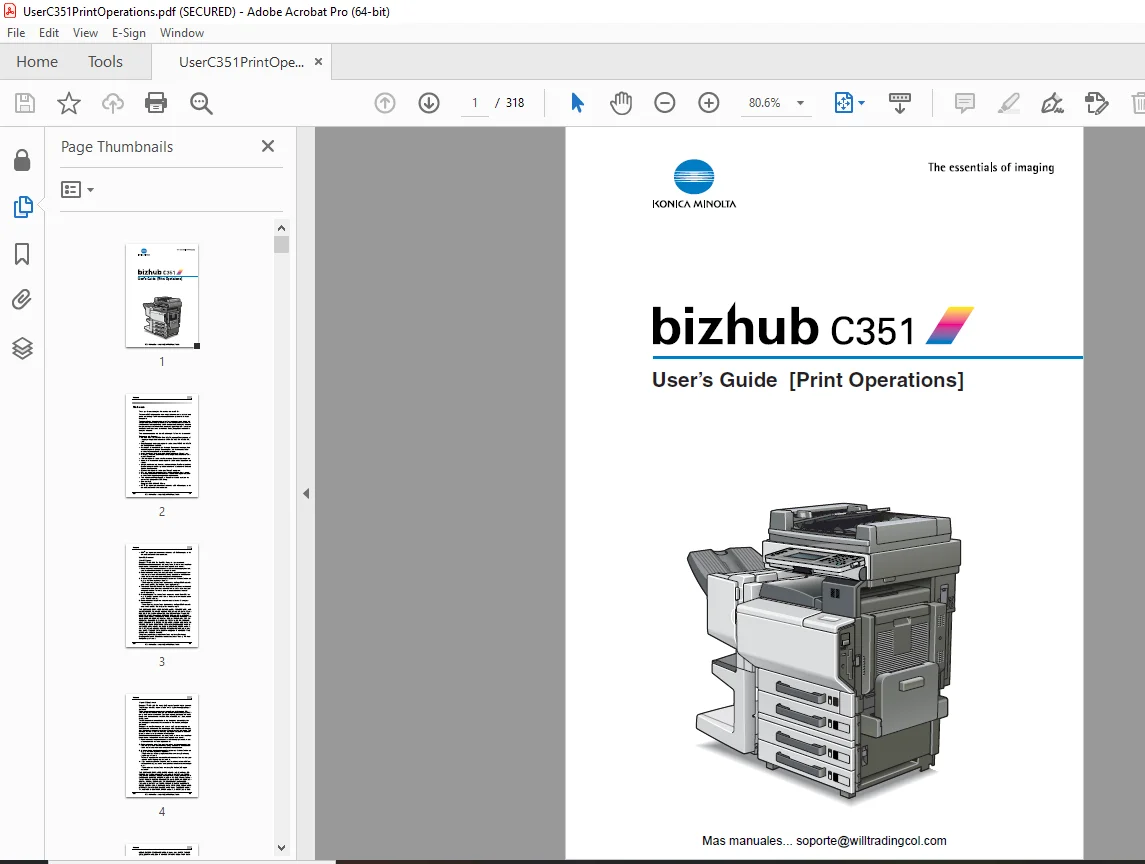
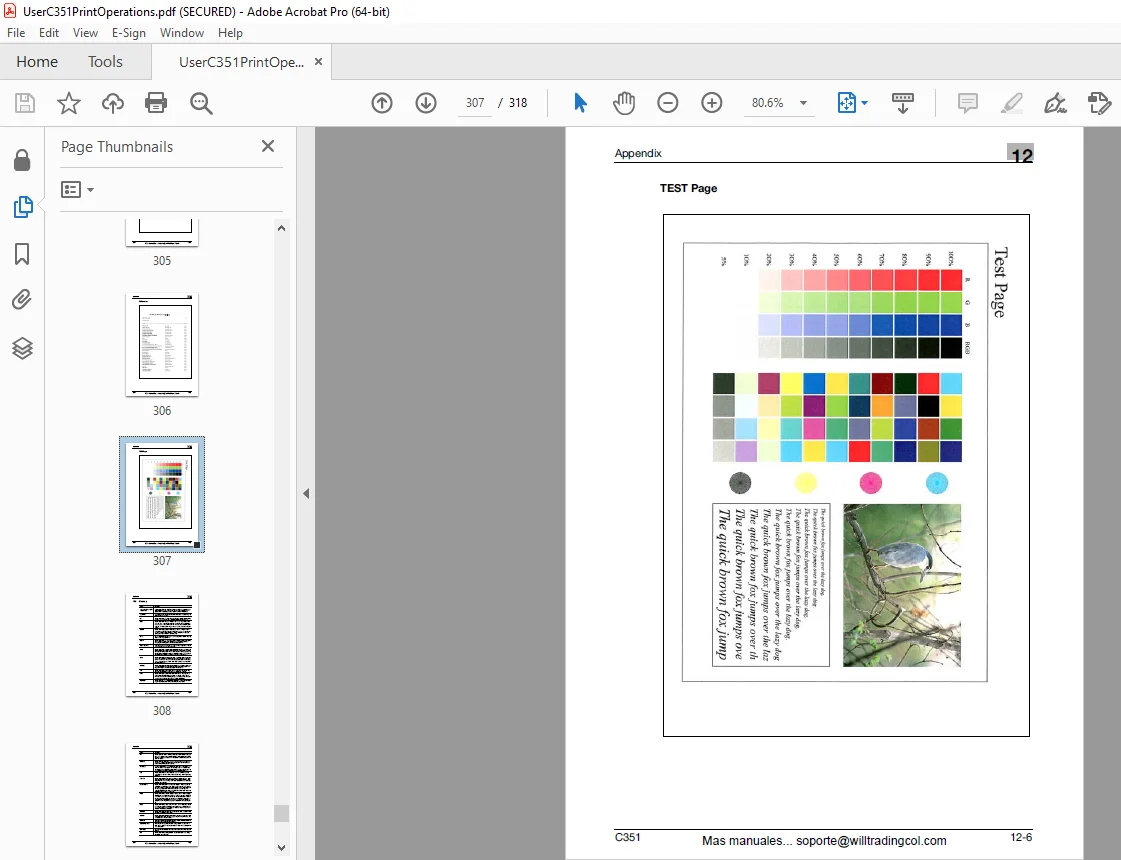
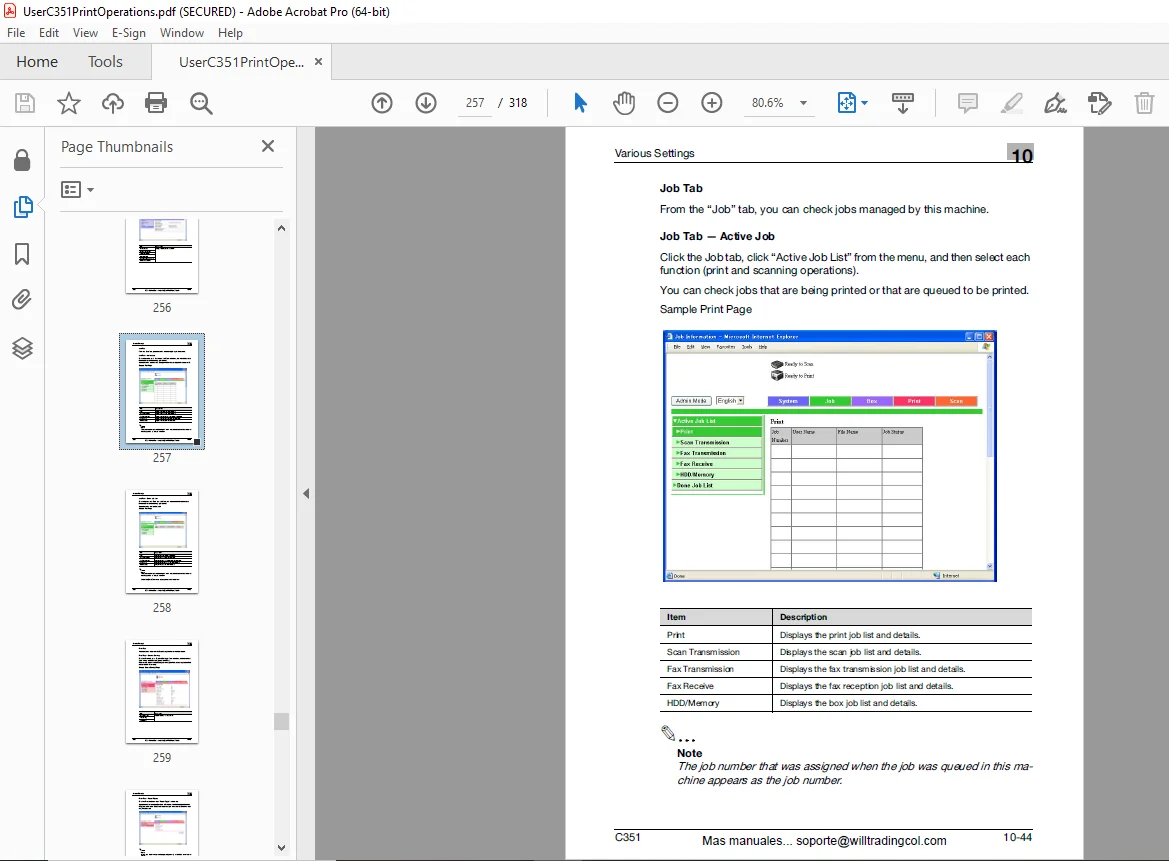
Konica Minolta bizhub C3501 Print Operations Users Manual – PDF
$28.95
Konica Minolta bizhub C3501 Print Operations Users Manual – PDF DOWNLOAD
Description
Konica Minolta bizhub C3501 Print Operations Users Manual – PDF DOWNLOAD
FILE DETAILS:
Konica Minolta bizhub C3501 Print Operations Users Manual – PDF DOWNLOAD
Language : English
Pages : 318
Downloadable : Yes
File Type : PDF
IMAGES PREVIEW OF THE MANUAL:
TABLE OF CONTENTS:
Konica Minolta bizhub C3501 Print Operations Users Manual – PDF DOWNLOAD
bizhub C351 User’s Guide (Print Operations) 1
Welcome 2
Software License Agreement 6
TOC 8
About this User’s Guide 18
1 Overview20
1 1 Printer Controller CD-ROM Configuration 20
1 2 Printer Controller23
1 3 Operation Environment 27
1 4 Setting Up the System 30
2 Installing the Printer Driver 32
2 1 Printer Drivers and Supported Operating Systems 32
2 2 When Use 33
2 3 When Used with Macintosh 47
3 Setting Up Network Printing 54
3 1 Overview of Network Functions 54
3 2 Setting the IP Address for This Machine 58
3 3 Accessing PageScope Web Connection60
3 4 SMB Printing 61
3 5 LPR Printing 63
3 6 IPP Printing (Windows 2000/XP/Server 2003)65
3 7 Printing with NetWare 68
3 8 Printing with Macintosh 77
4 Various Printing Methods80
4 1 Printing Operations 80
4 2 Setting the Printing Functions84
5 Setting Up the PCL Driver102
5 1 Settings 102
5 2 Specifying the Setup Tab Settings 106
5 3 Specifying the Per Paage Setting Tab Settings 117
5 4 Specifying the Overlay Tab Settings119
5 5 Specifying the Watermark Tab Settings 123
5 6 Specifying the Quality Tab Settings126
5 7 Specifying the Font Tab Settings 128
5 8 Specifying the FAX Tab Settings129
5 9 Specifying the Option Tab Settings 143
5 10 Saving the Driver Settings144
6 Setting Up the PostScript Driver (Windows) 146
6 1 Settings 146
6 2 Specifying the Setup Tab Settings 152
6 3 Specifying the Layout Tab Settings 159
6 4 Specifying the Per Page Setting Tab Settings 163
6 5 Specifying the Watermark Tab Settings 164
6 6 Specifying the Quality Tab Settings166
6 7 Specifying the Option Tab Settings 168
6 8 Saving the Driver Settings 170
7 Setting Up the PPD Driver (Windows) 174
7 1 Settings 174
7 2 Specifying the Paper Tab Settings 177
7 3 Specifying the Device Options Tab Settings 178
7 4 Specifying the Options 180
8 Setting Up the PPD Driver (Mac OS 9 2) 182
8 1 Settings 182
8 2 Page Setup 187
8 3 Printing 190
8 4 Setting Options194
9 Setting Up the PPD Driver (Mac OS X) 196
9 1 Settings 196
9 2 Page Setup 200
9 3 Printing 202
9 4 Setting Options210
9 5 Saving the Driver Settings 211
10 Various Settings214
10 1 Print Settings in Utility Mode214
10 2 Printing Settings in Administrator Mode 234
10 3 Using PageScope Web Connection241
10 4 Print Job Management 286
11 Troubleshooting 296
11 1 Unable to Print 296
11 2 Unable to Specify Desired Settings or Unable to Print as Specified298
11 3 Error Message 300
12 Appendix302
12 1 Specifications302
12 2 Configuraiton Page304
12 3 Font List 305
12 4 Glossary 308
12 5 Index 313
DESCRIPTION:
Konica Minolta bizhub C3501 Print Operations Users Manual – PDF DOWNLOAD
About this User’s Guide:
- This User’s Guide contains information for using the printing functions of the Konica Minolta printer controller. For details on the copy functions, scanning functions, box functions, and fax functions, refer to the respective User’s Guide.
- This User’s Guide is aimed at users who already have a basic knowledge of computer and copier operations.
- For Windows or Macintosh operating system and application operations, refer to the operation manual of the respective product.
1.1 Printer Controller CD-ROM Configuration:
G.B 28/02/25