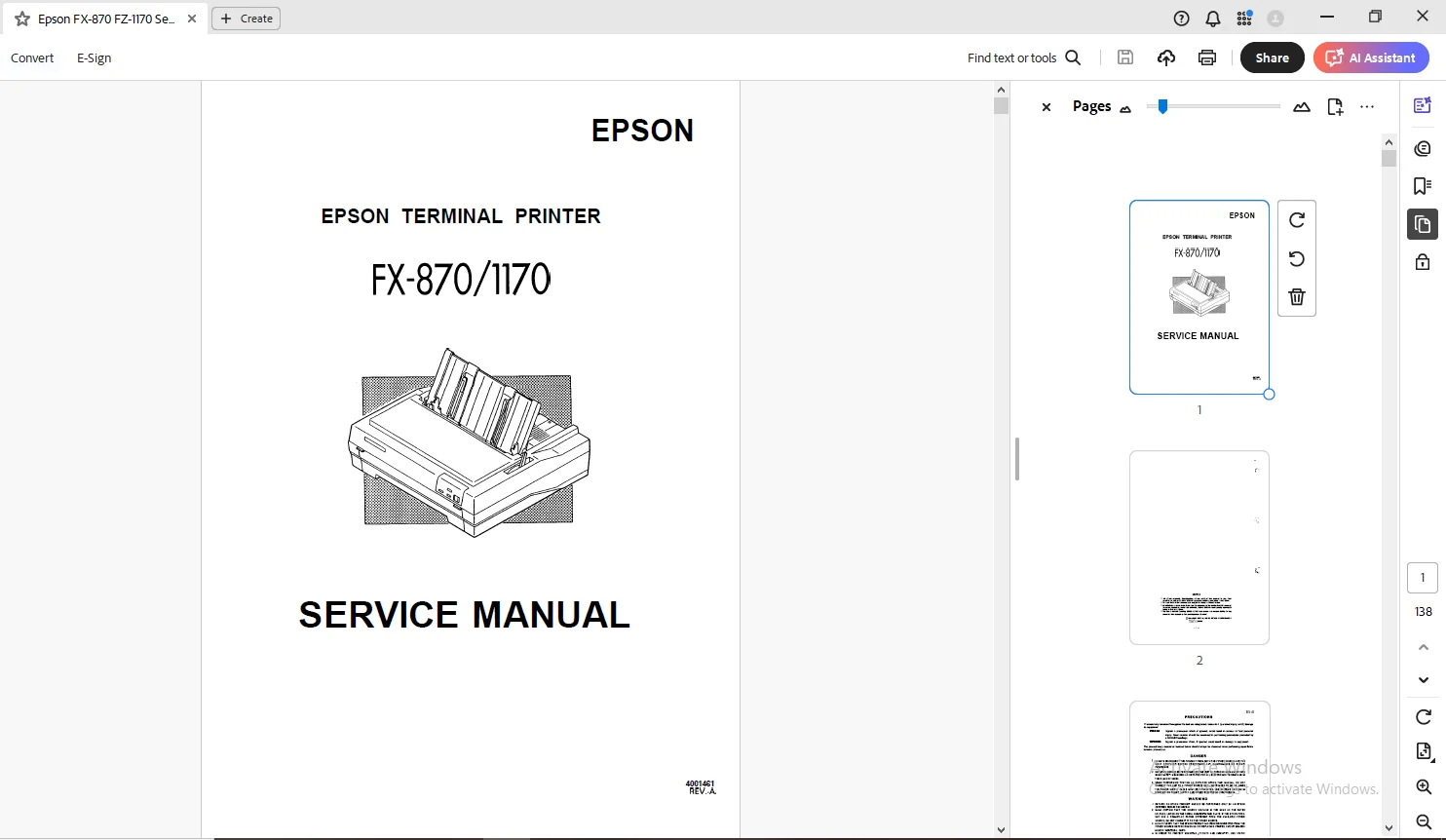
Epson Terminal Printer FX-870/1170 Service Manual – PDF
$27.95
Epson Terminal Printer FX-870/1170 Service Manual – PDF DOWNLOAD
Description
Epson Terminal Printer FX-870/1170 Service Manual – PDF DOWNLOAD
FILE DETAILS:
Epson Terminal Printer FX-870/1170 Service Manual – PDF DOWNLOAD
Language : English
Pages : 138
Downloadable : Yes
File Type : PDF
IMAGES PREVIEW OF THE MANUAL:
TABLE OF CONTENTS:
Epson Terminal Printer FX-870/1170 Service Manual – PDF DOWNLOAD
11 Scope 1 – 1
111 Features 1 – 1
112 Options 1-3
12 Specifications1 – 4
121 Hardware Specifications1 -4
1211 Printing Method , 1 -4
1212 Paper Handling 1 -4
1213 Paper Specifications1 -6
1214 Printable Area1 -9
1215 Ribbon Cattridge 1 -11
1216 Electrical Specifications 1 -12
1217 Environmental Conditions 1 -12
1218 Reliability1 -13
1219 Safety Approvals 1 -13
122 Firmware Specifications 1 -13
1221 Print Control1 -13
1222 Input Data Buffer 1 -14
13 Interface 1 – 1 5
131 Parallel Interface 1 -15
132 Optional Interface 1 -17
14 Control Panel 1 – 1 7
141 Components 1 – 17
142 Buttons 1 – 18
143 Indicators 1 – 19
15 Functions 1 -20
151 Default Settings 1-20
152 Power On Default Settings 1 -23
153 Buffer-full Printing 1 -23
154 Hexadecimal Dump 1 -23
155 Self Test1 -24
156 Paper-out Detection 1 -24
157 Auto Tear-off 1 -24
158 Thermal Protection 1 – 24
159 High Duty Printing 1 -24
1510 Sheet Loading and Sheet Ejection 1 -25
1511 Adjust Lever Operation 1 -25
1512 Printer Initialization1 -26
1513 Buzzer o 1-27
REV-A
16 Main Components tim-mm-mm 1-28
161 BOARDASSEMBLY,C094MAlN(Main Control Circuit Board) 1-29
162 BOARDASSEMBLY,C094PNL(Control PandHtiWd) -l-3O
163 BOARD ASSEMBLY, C076PSBFSE (Power SUPPIY circuit Board) 1 -30
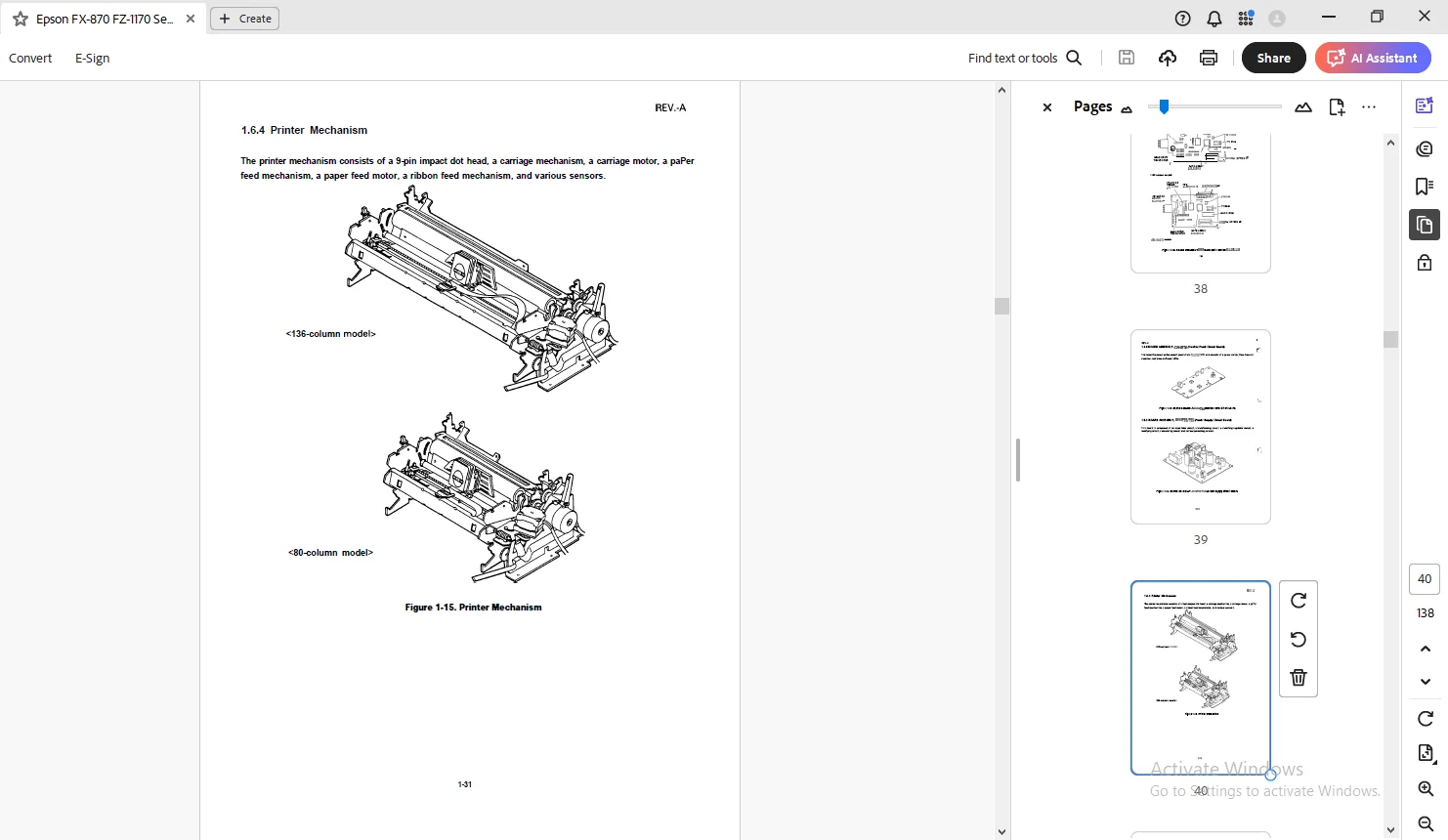
164 Printer Mechanism 1 -31
165 Housing Assembly 1 -32
LIST OF FIGURES
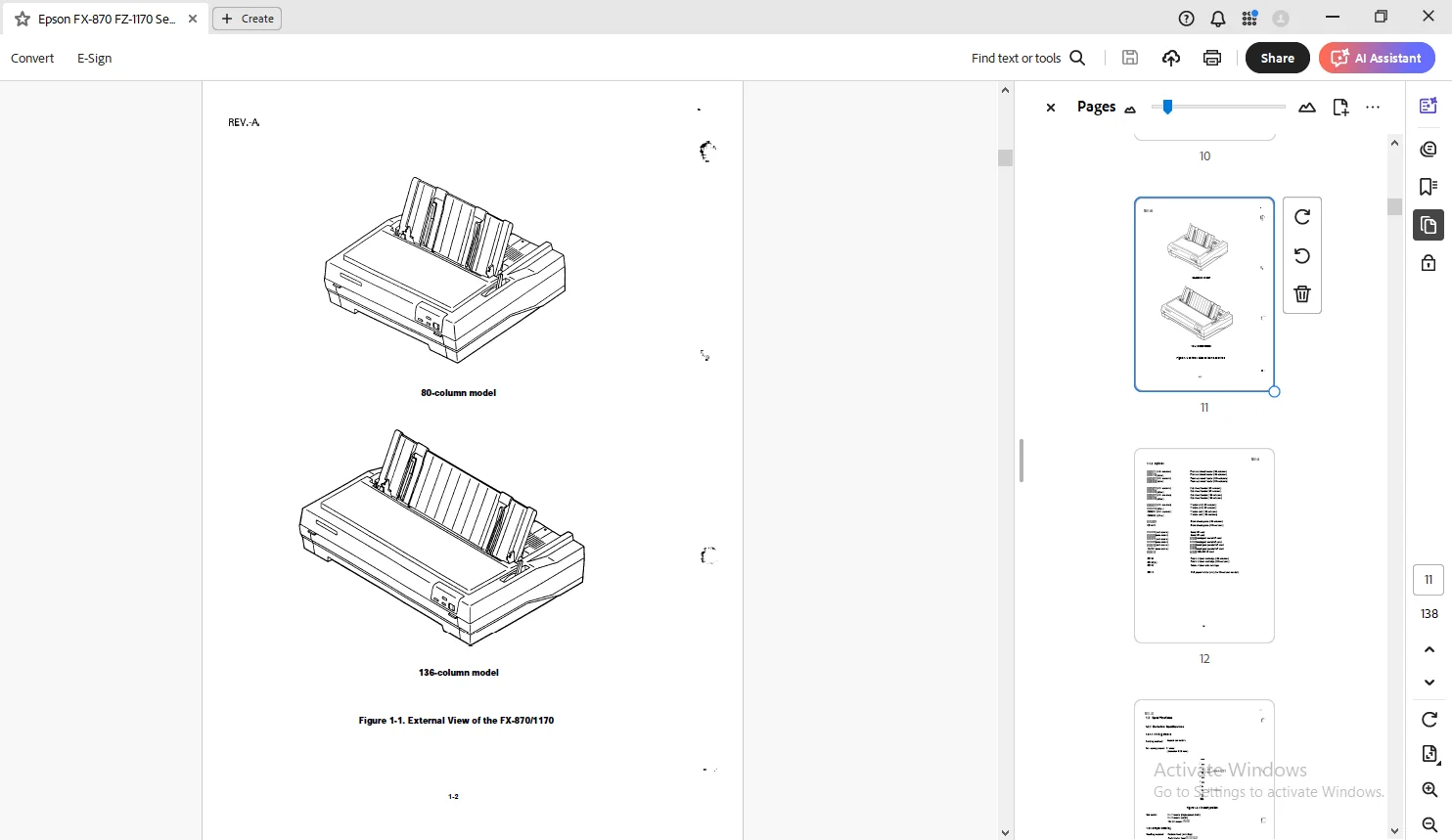
Figure 1-1 External View of FX-870/1170 1 -2
Figure 1-2 Pin Configuration 1 -4
Figure 1-3 Printable Area for Cut Sheets 1 -9
Figure 1-4 Printable Area for Continuous Paper1 -1o
Figure 1-5 Printable Area for Roll Paper 1 -11
Figure 1-6 Data Transmission Timing 1 -15
figure 1-7 Control Panel 1 – 17
Figure 1-8 Hexadecimal Dump Printout 1 -23
Figure 1-9 Self Test Printout 1 -24
Figure 1-10 Lever Positions 1 -26
Figure 1-11 Main Components 1 -28
Figure 1-12 BOARD ASSEMBLY, C094MAIN (Main Control circuit Board) 1 -29
Figure 1-13 BOARD ASSEMBLY, C094 PNL (Control Panel Cimuit Board) 1 -30
Figure 1-14 BOARD ASSEMBLY, C076 PSB/PSE (Power Supply Circuit Board) 1 -30
Figure 1-15 Printer Mechanism 1 -31
Figure 1-16 Housing Assembly 1 -32
I i i
REV-A
LIST OF TABLES
Table 1-1 Line Feed Speed (1 line= 1/6”) 1 -5
Table 1-2 Specifications for Cut Sheets (plain paPer) 1 -6
Table 1-3 Specifications for Cut She*s (carbonless Dwli-tim paPer) ”s 1-7
Table 1-4 Specifications for Continuous Paper 1 -7
Table 1-5 Specifications for Envelopes1 -7
Table 1-6 Specifications for Labels 1 -8
Table 1-7 Specifications for Roll Paper 1 -8
Table 1-8 Electrical Specifications for 120V Model1 -12
Table 1-9 Electrical Specifications for 220/240V Model 1-12
Table 1-10 Environmental Conditions 1 -12
Table 1-11 Character Size and Pitch 1 -14
Table 1-12 Printable Columns 1 – 14
Table 1-13 Print Speed 1 – 14
Table 1-14 Connector Pin Assignments and Signal Functions 1-15
Table 1-15 Optional Interface 1 -17
Table 1-16 Group 1 Features 1 -21
Table 1-17 Group 2 Features (ESC/P Mode)1 -22
Table 1-18 Group 2 Features (IBM Mode) 1 -22
Table 1-19 Group 3 Features (Power-on Settings)1 -23
Table 1-20 Lever Positions 1 -25
DESCRIPTION:
Epson Terminal Printer FX-870/1170 Service Manual – PDF DOWNLOAD
PREFACE:
This manual describes functions, theory of electrical and mechanical operations, maintenance, and repair of the FX-870/l 170. The instructions and procedures included herein are intended for the experienced repair technician, and attention should be given to the precautions on the preceding page.
The chapters are organized as follows:
- Chapter 1 – Provides a general product overview, lists specifications, and illustrates the main components of the printer.
- Chapter 2 -Describes the theory of printer operation.
- Chapter 3 -Includes a step-by-step guide for product disassembly and assembly.
- Chapter 4 -Includes a step-by-step guide for adjustment.
- Chapter 5 -Provides Epson-approved techniques for troubleshooting.
- Chapter 6 -Describes preventive maintenance techniques. l The contents of this manual are subject to change without notice.
G.B 01/03/25