Epson Stylus Pro Reference Guide Manual – PDF DOWNLOAD
$19.95
Description
Epson Stylus Pro Reference Guide Manual – PDF DOWNLOAD
FILE DETAILS:
Epson Stylus Pro Reference Guide Manual – PDF DOWNLOAD
Language :English
Pages :98
Downloadable : Yes
File Type : PDF
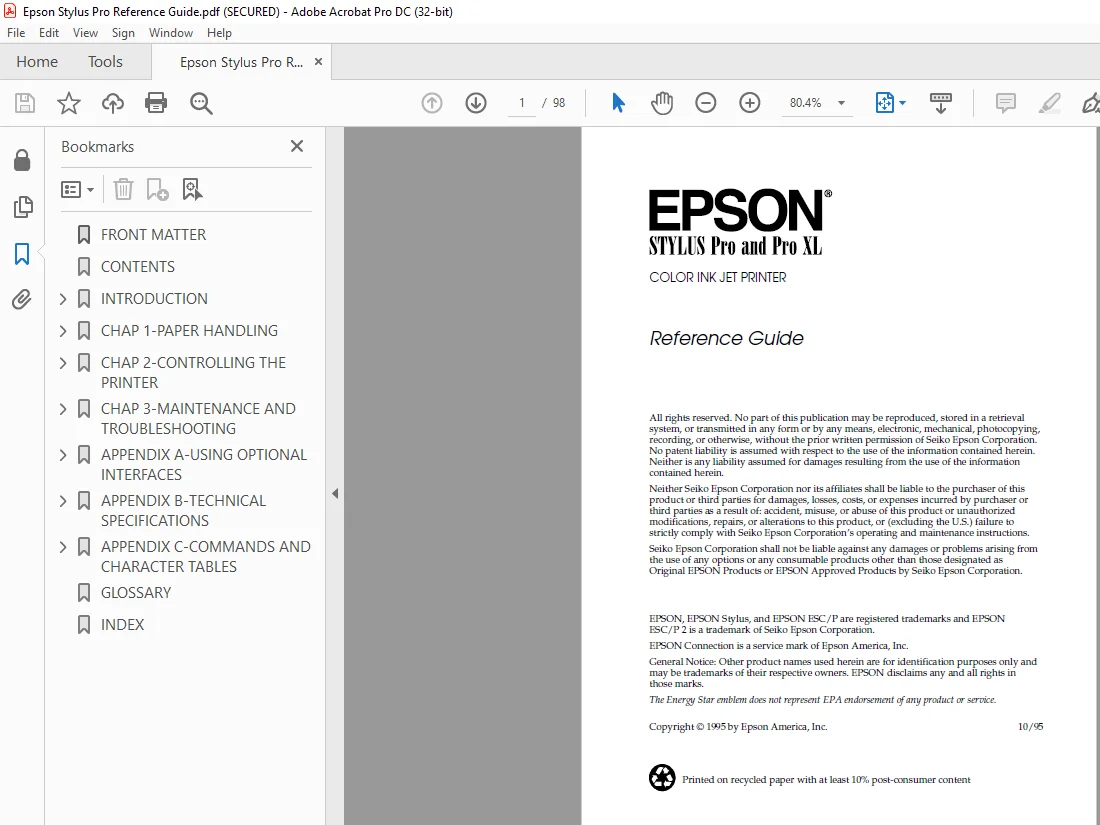
IMAGES PREVIEW OF THE MANUAL:
DESCRIPTION:
Epson Stylus Pro Reference Guide Manual – PDF DOWNLOAD
Introduction
This manual contains general operating and maintenance instructions for your EPSON® Stylus® Pro or Pro XL printer, as well as troubleshooting guidelines and technical specifications. For instructions on setting up your printer and using the Microsoft® Windows® or Apple® Macintosh® printer driver, see the appropriate Setup and Software Guide.
How to Use This Manual
After you have set up the printer as described in the Setup and Software Guide, refer to this manual for the following information:
Chapter 1, “Paper Handling,” explains how to select the right paper for your print job and load paper and other media in your printer.
Chapter 2, “Controlling the Printer,” provides instructions for managing the printer’s operation through its control panel. It also describes how to access the printer’s Default setting mode
Chapter 3, “Maintenance and Troubleshooting,” contains instructions for cleaning the print heads, replacing the ink cartridges, and cleaning and transporting the printer. You’ll also find troubleshooting guidelines.
TABLE OF CONTENTS:
Epson Stylus Pro Reference Guide Manual – PDF DOWNLOAD
Introduction
Energy Star Compliance 1
Energy-saving Tips 2
How to Use This Manual 2
Where to Get Help 3
Electronic Support Services 4
Important Safety Instructions 6
Chapter 1 Paper Handling
Choosing Paper and Other Media 1-2
Loading Plain Paper 1-4
Loading Oversized Paper 1-6
Using Special Papers and Other Media 1-7
Loading Special Papers and Transparencies 1-8
Loading Envelopes and Heavy Paper 1-11
Chapter 2 Controlling the Printer
Using the Printer’s Control Panel 2-2
Lights 2-3
Buttons 2-4
Using the Default Setting Mode 2-6
R Verde+ Reference Guide
A5 size Frontmatter
10-25-95 DR, pass 3-Rev1
4004918-01
iii
Chapter 3 Maintenance and Troubleshooting
Cleaning the Print Heads 3-2
Replacing an Ink Cartridge 3-3
Cleaning the Printer 3-8
Transporting the Printer 3-9
Troubleshooting 3-10
Error Lights 3-11
Print Quality Problems 3-12
Problems with Printing 3-16
Paper Handling Problems 3-20
Appendix A Using Optional Interfaces
AppleTalk and EtherTalk Networks for Macintosh A-2
Connecting the Printer to the Network A-3
Turning On the Printer’s Network Interface Mode A-4
Interface Boards for the PC A-5
Using the C823051 or C823061 Serial Interface Board A-5
Installing an Optional Interface Board A-6
Appendix B Technical Specifications
Printing B-2
Paper B-3
Ink Cartridges B-6
Mechanical B-7
Electrical B-7
Environmental B-8
Safety Approvals B-8
Fonts B-8
Interface Specifications B-9
Parallel Interface B-9
Serial Interface B-12
Optional Interfaces B-12
Initialization B-12
Default Settings B-13
L Verde+ Reference Guide
A5 size Frontmatter
10-25-95 DR, pass 3-Rev1
4004918-01
iv
Appendix C Commands and Character Tables
Command List C-2
Character Tables C-3
International Character Sets C-10
Characters Available with ESC (^ Command C-11
Glossary
Index
R Verde+ Reference Guide
A5 size Frontmatter
10-25-95 DR, pass 3-Rev1
4004918-01
v
S.M 4/3/2025