Epson Stylus Color IIs User’s Guide Manual – PDF DOWNLOAD
$24.95
Epson Stylus Color IIs User’s Guide Manual – PDF DOWNLOAD
Description
Epson Stylus Color IIs User’s Guide Manual – PDF DOWNLOAD
FILE DETAILS:
Epson Stylus Color IIs User’s Guide Manual – PDF DOWNLOAD
Language :English
Pages :114
Downloadable : Yes
File Type : PDF
IMAGES PREVIEW OF THE MANUAL:
DESCRIPTION:
Epson Stylus Color IIs User’s Guide Manual – PDF DOWNLOAD
Introduction
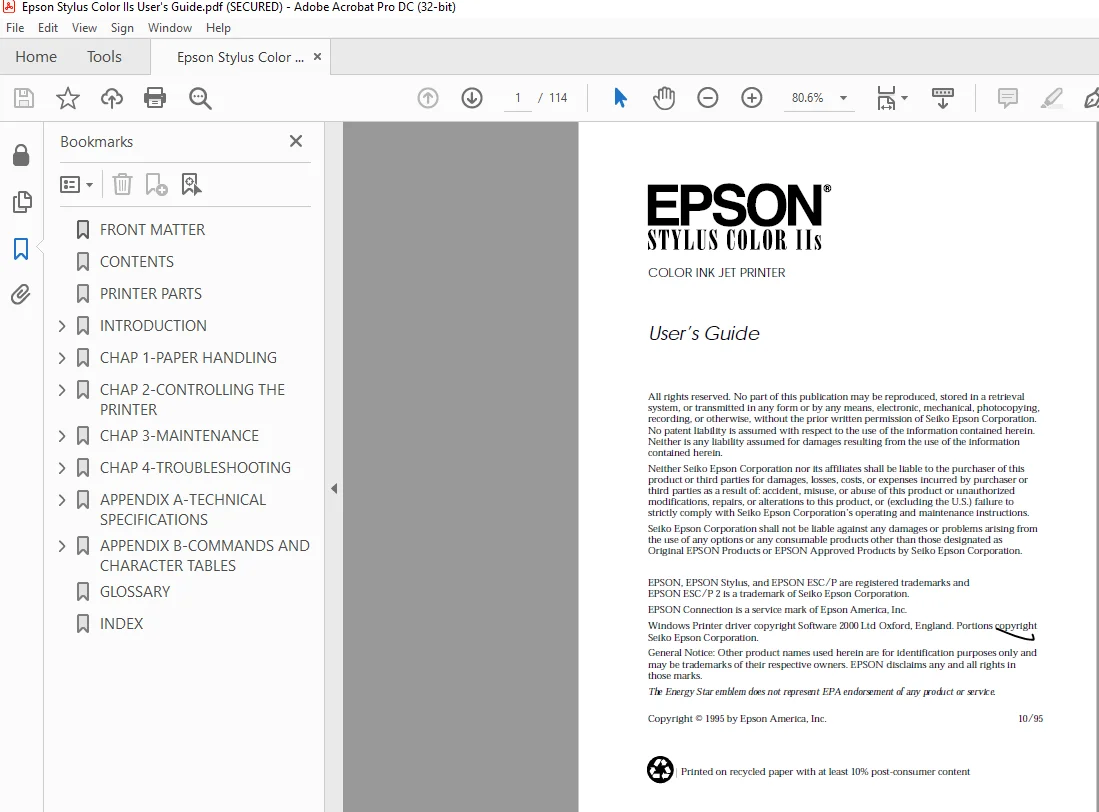
- The EPSON® Stylus® COLOR IIs is an affordable, high-quality ink jet printer. It can print up to 16 million colors at high resolution to produce photo-quality color images.
- The printer also produces realistic grayscale images, sharp text, and line art. The printer’s ink jet technology allows it to operate quietly, keeping your workspace peaceful.
- The Stylus COLOR IIs is easy to install and use. You simply set it up, connect it to your computer, and install the printer driver software, as described in the Setup Guide. The printer has a built-in parallel interface so you can connect it to any IBM® PC or compatible computer.
TABLE OF CONTENTS:
Epson Stylus Color IIs User’s Guide Manual – PDF DOWNLOAD
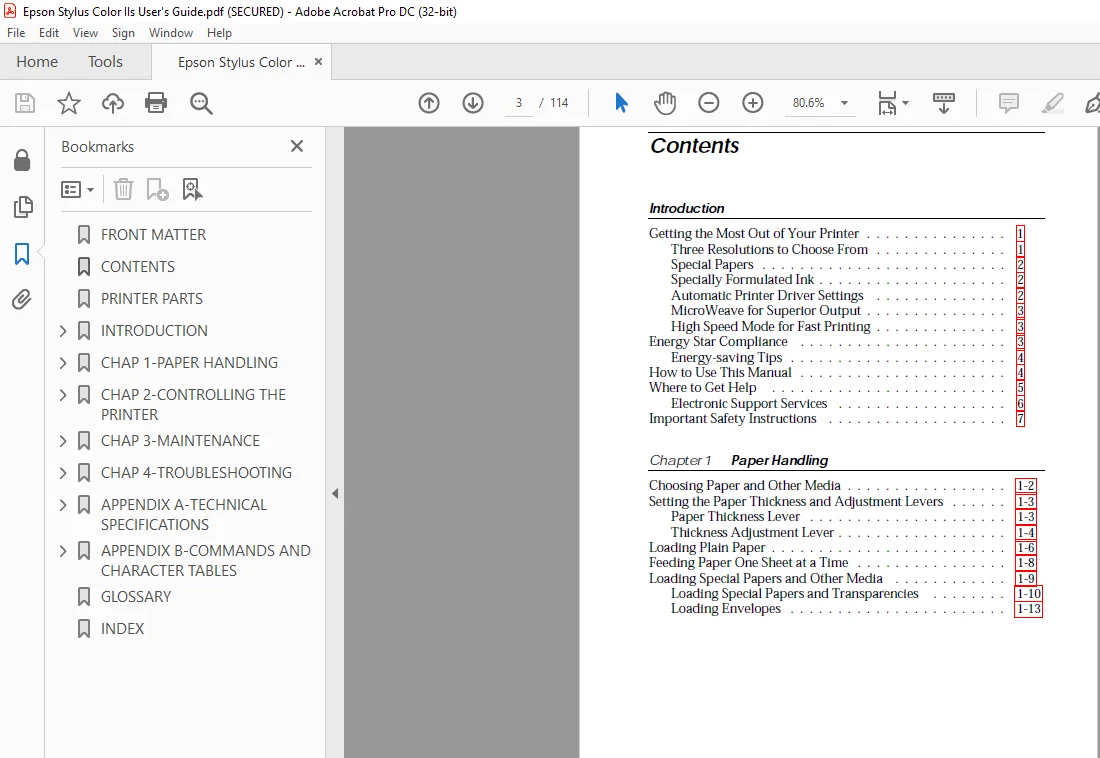
Contents
Introduction
Getting the Most Out of Your Printer 1
Three Resolutions to Choose From 1
Special Papers 2
Specially Formulated Ink 2
Automatic Printer Driver Settings 2
MicroWeave for Superior Output 3
High Speed Mode for Fast Printing 3
Energy Star Compliance 3
Energy-saving Tips 4
How to Use This Manual 4
Where to Get Help 5
Electronic Support Services 6
Important Safety Instructions 7
Chapter 1 Paper Handling
Choosing Paper and Other Media 1-2
Setting the Paper Thickness and Adjustment Levers 1-3
Paper Thickness Lever 1-3
Thickness Adjustment Lever 1-4
Loading Plain Paper 1-6
Feeding Paper One Sheet at a Time 1-8
Loading Special Papers and Other Media 1-9
Loading Special Papers and Transparencies 1-10
Loading Envelopes 1-13
R Hudson User’s Guide
A5 size Front
10-28-95 DR, pass 2-Rev1
part #4004913-01
iii
Chapter 2 Controlling the Printer
Using the Printer Driver 2-2
Accessing the Driver 2-3
Using the Driver Dialog Box 2-5
Changing Settings 2-7
Document Type 2-8
Paper Settings 2-10
Printing Mode/Options Settings 2-12
Image Settings 2-14
Halftoning Settings 2-16
Managing Print Jobs 2-17
Using the Printer’s Control Panel 2-19
Lights 2-20
Buttons 2-20
Using the Default Setting Mode 2-23
Chapter 3 Maintenance
Cleaning the Print Head 3-2
Replacing the Print Head Unit 3-3
Replacing an Ink Cartridge 3-7
Selecting the Correct Ink Cartridges 3-8
Removing and Installing an Ink Cartridge 3-9
Cleaning the Printer 3-13
Transporting the Printer 3-14
Calibrating the Printer 3-15
Chapter 4 Troubleshooting
Print Quality Problems 4-3
Problems with Printing 4-7
Paper Handling Problems 4-12
Paper Jam Problems 4-12
Paper Feeding Problems 4-12
Other Paper Handling Problems 4-13
L Hudson User’s Guide
A5 size Front
10-28-95 DR, pass 2-Rev1
part #4004913-01
iv
Appendix A Technical Specifications
Printing A-2
Paper A-3
Ink Cartridges A-6
Mechanical A-7
Electrical A-7
Environmental A-8
Safety Approvals A-8
Fonts A-8
Interface Specifications A-9
Pin Assignments A-10
Timing Chart A-12
Initialization A-12
Default Settings A-13
Appendix B Commands and Character Tables
Command List B-2
Character Tables B-3
International Character Sets B-7
Characters Available with ESC (^ Command B-8
Appendix A Technical Specifications
Printing A-2
Paper A-3
Ink Cartridges A-6
Mechanical A-7
Electrical A-7
Environmental A-8
Safety Approvals A-8
Fonts A-8
Interface Specifications A-9
Pin Assignments A-10
Timing Chart A-12
Initialization A-12
Default Settings A-13
Appendix B Commands and Character Tables
Command List B-2
Character Tables B-3
International Character Sets B-7
Characters Available with ESC (^ Command B-8
S.M 4/3/2025