Trusted Business
Verified & Licensed
Virus Free Files
100% Safe Downloads
Secure Payment
SSL Protected
Instant Delivery
Available Immediately
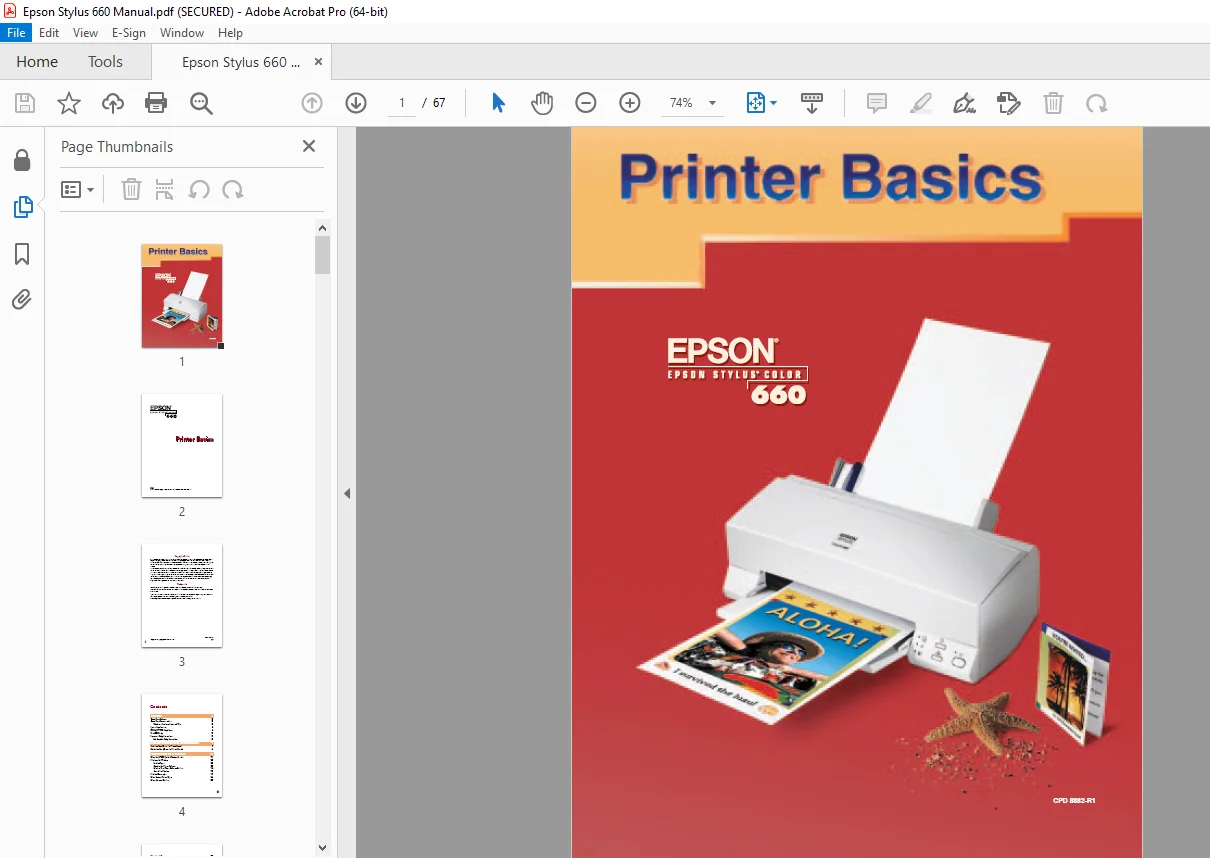
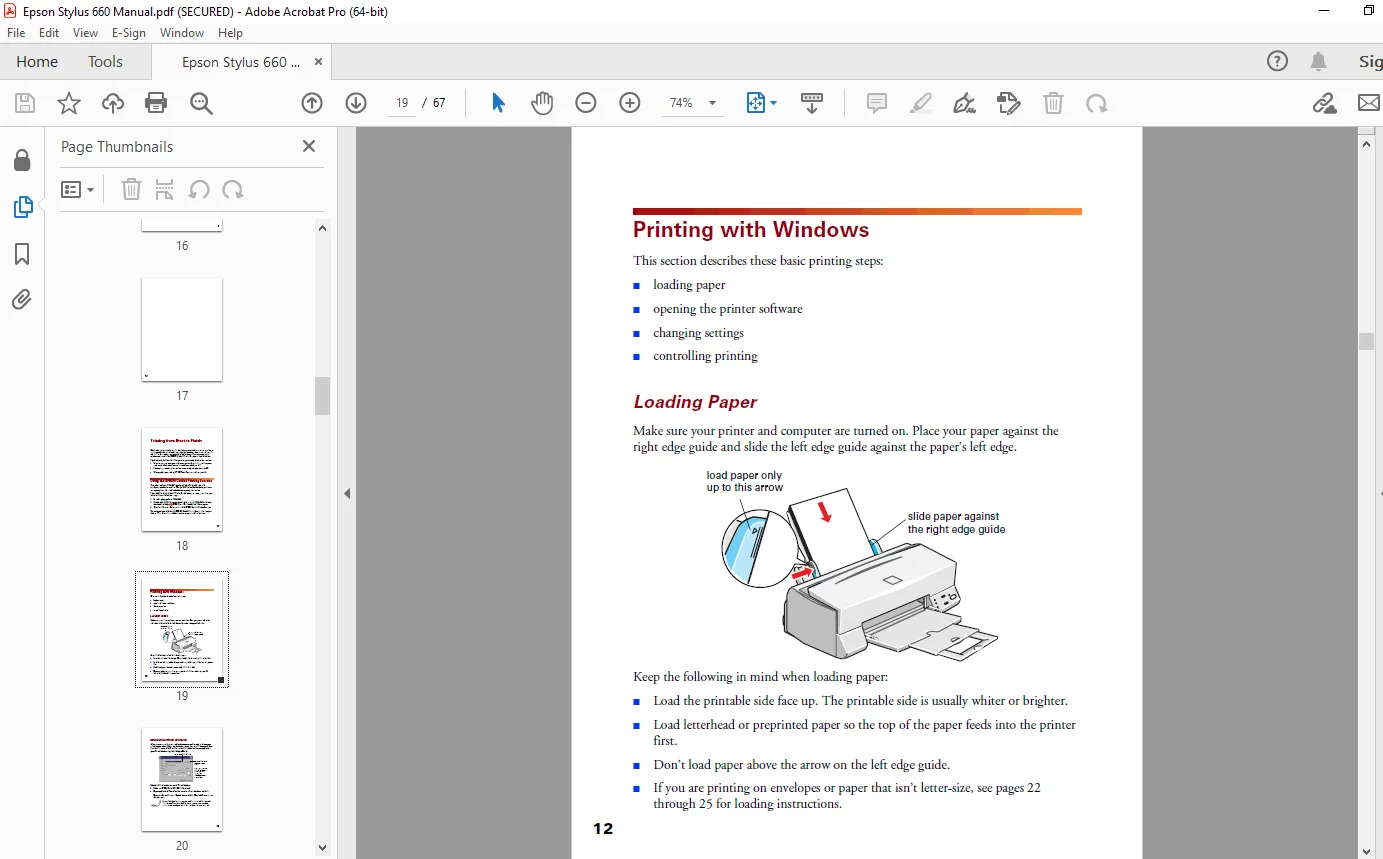
Epson Stylus Color 660 Printer Basics – PDF DOWNLOAD
$16.95
Epson Stylus Color 660 Printer Basics – PDF DOWNLOAD
Instant PDF Download
Available immediately
Save to Your Device
Download & keep forever
Antivirus Scanned
100% virus-free
Trusted Worldwide
175,000+ customers
Description
Epson Stylus Color 660 Printer Basics – PDF DOWNLOAD
FILE DETAILS:
Epson Stylus Color 660 Printer Basics – PDF DOWNLOAD
Language : English
Pages : 67
Downloadable : Yes
File Type : PDF
IMAGES PREVIEW OF THE MANUAL:
TABLE OF CONTENTS:
Epson Stylus Color 660 Printer Basics – PDF DOWNLOAD
CONTENTS:
WELCOME!
About Your Software
About Your Documentation
Warnings, Cautions, Notes, and Tips
System Requirements
ENERGY STAR Compliance
Year 2000 Ready
Important Safety Instructions
Ink Cartridge Safety Instructions
VIEWING YOUR ELECTRONIC PRINTER MANUAL
Accessing Your Electronic Printer Manual
7 7
Navigating Your Electronic Printer Manual
78
PRINTING FROM START TO FINISH
Using the EPSON Guided Printing Exercise Printing with Windows
Loading Paper
Opening the Printer Software
Selecting Your Printer Software Settings
Controlling Printing
Printing Photographs
Using Custom Project Types
Using Advanced Settings
About Your Software
About Your Documentation
Warnings, Cautions, Notes, and Tips
System Requirements
ENERGY STAR Compliance
Year 2000 Ready
Important Safety Instructions
Ink Cartridge Safety Instructions
VIEWING YOUR ELECTRONIC PRINTER MANUAL
Accessing Your Electronic Printer Manual
7 7
Navigating Your Electronic Printer Manual
78
PRINTING FROM START TO FINISH
Using the EPSON Guided Printing Exercise Printing with Windows
Loading Paper
Opening the Printer Software
Selecting Your Printer Software Settings
Controlling Printing
Printing Photographs
Using Custom Project Types
Using Advanced Settings
Using Special Papers
EPSON Photo Quality Ink Jet Paper
EPSON Photo Paper
Envelopes
Selecting the Correct Media Type
MAINTAINING YOUR PRINTER
Cleaning the Print Head
Using the Head Cleaning Utility
Using the Control Panel
Examining the Nozzle Check Pattern
Replacing an Ink Cartridge
Removing and Installing Ink Cartridges Replacing an Outdated Ink Cartridge
Aligning the Print Head
Cleaning the Printer
Transporting the Printer
PROBLEM SOLVING
Diagnosing Printer Problems
Checking the Control Panel Lights
Running a Printer Check
Printer Parts
EPSON Photo Quality Ink Jet Paper
EPSON Photo Paper
Envelopes
Selecting the Correct Media Type
MAINTAINING YOUR PRINTER
Cleaning the Print Head
Using the Head Cleaning Utility
Using the Control Panel
Examining the Nozzle Check Pattern
Replacing an Ink Cartridge
Removing and Installing Ink Cartridges Replacing an Outdated Ink Cartridge
Aligning the Print Head
Cleaning the Printer
Transporting the Printer
PROBLEM SOLVING
Diagnosing Printer Problems
Checking the Control Panel Lights
Running a Printer Check
Printer Parts
Problems and Solutions
Solving Problems Setting Up the Printer or Installing Its Software
Solving Problems with Printing
Solving Problems Getting Good Print Quality
Solving Problems with Paper Feeding
Solving Miscellaneous Printout Problems
Uninstalling Printer Software
Reinstalling Printer Software
Where To Get Help
EPSON Technical Support
Creative Software Technical Support
INDEX
Solving Problems Setting Up the Printer or Installing Its Software
Solving Problems with Printing
Solving Problems Getting Good Print Quality
Solving Problems with Paper Feeding
Solving Miscellaneous Printout Problems
Uninstalling Printer Software
Reinstalling Printer Software
Where To Get Help
EPSON Technical Support
Creative Software Technical Support
INDEX
DESCRIPTION:
Epson Stylus Color 660 Printer Basics – PDF DOWNLOAD
INTRODUCTION:
Your EPSON Stylus® COLOR 660 printer is the ideal output device for small office or home printing. You can print anything from reports and resumes to photos and greeting cards with great results. The printer comes with these features:
■Resolutions up to 1440 by 720 dpi (dots per inch), even on plain paper
■ EPSON’s exclusive Micro PiezoTM ink jet technology for smaller, cleaner dots Four-color printing for photo-quality color and sharp black text on plain paper or a variety of special media
■Great results on any paper size, including letter, legal, envelope, card, and panoramic paper
■ Creative software for implementing all your ideas for business or home
Important Safety Instructions:
Before using your printer, read the following safety instructions to make sure you use the printer safely and effectively:
■Be sure to follow all warnings and instructions marked on the printer.
■Turn off and unplug the printer before cleaning. Clean with a damp cloth only. Do not spill liquid on the printer. Caution Always turn the printer off using the power button. Don’t switch off the power strip, or unplug the printer until the power light is off.
■Do not place the printer on an unstable surface or near a radiator or heating vent or direct sunlight.
■Do not block or cover the openings in the printer’s case or insert objects through the slots.
■Use only the type of power source indicated on the printer’s label.
■Connect all equipment to properly grounded power outlets. Avoid using outlets on the same circuit as photocopiers or air control systems that regularly switch on and off.
■Place the printer near a wall outlet where the plug can be easily unplugged. Placez l’imprimante près d’une prise de contacte où la fiche peut être débranchée facilement.
■Do not let the power cord become damaged or frayed.
G.B 03/03/25