Trusted Business
Verified & Licensed
Virus Free Files
100% Safe Downloads
Secure Payment
SSL Protected
Instant Delivery
Available Immediately
Epson LQ-2500 Users Manual – PDF DOWNLOAD
$27.95
Epson LQ-2500 Users Manual – PDF DOWNLOAD
Instant PDF Download
Available immediately
Save to Your Device
Download & keep forever
Antivirus Scanned
100% virus-free
Trusted Worldwide
175,000+ customers
Description
Epson LQ-2500 Users Manual – PDF DOWNLOAD
FILE DETAILS:
Epson LQ-2500 Users Manual – PDF DOWNLOAD
Language : English
Pages : 184
Downloadable : Yes
File Type : PDF
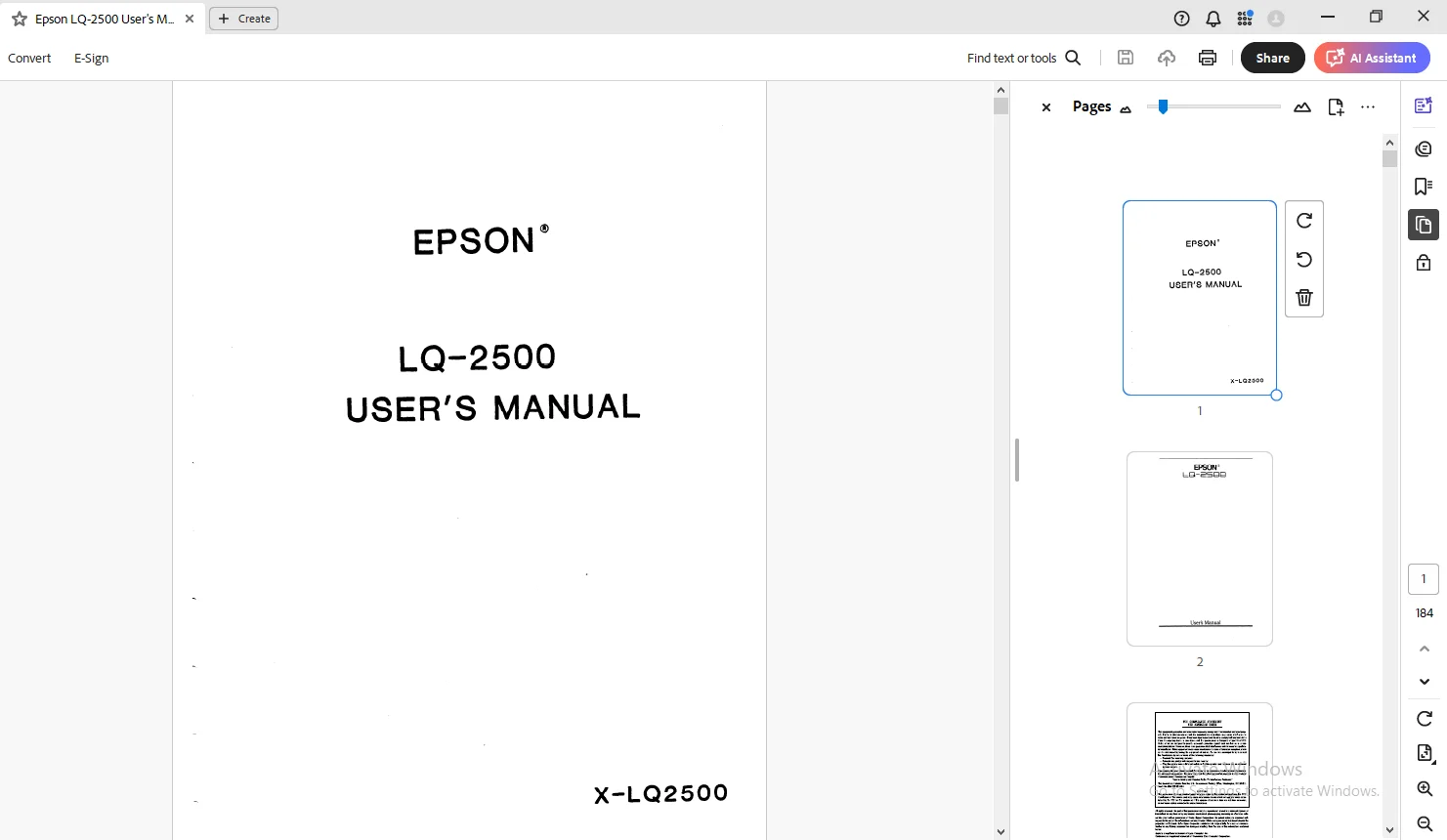
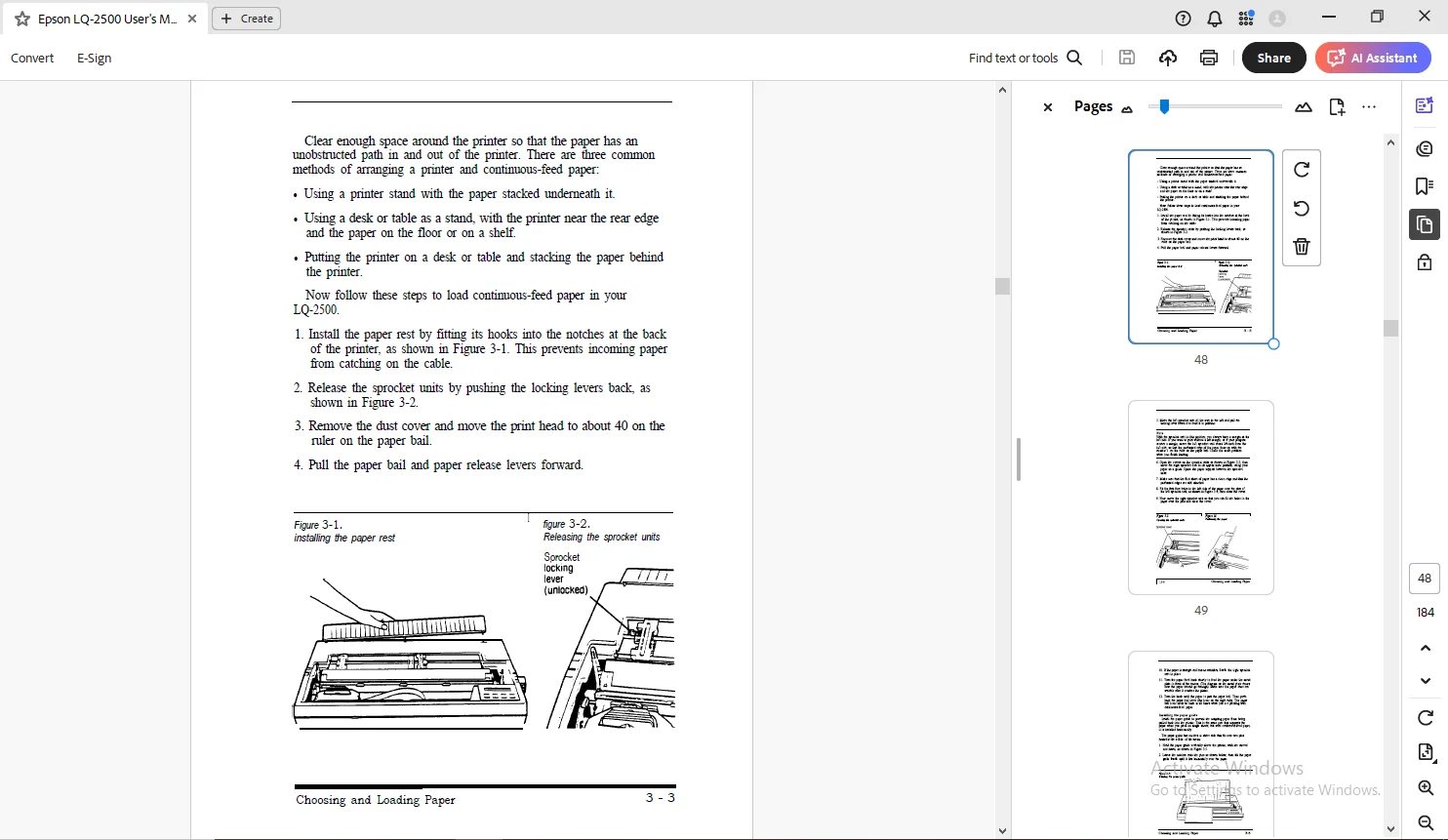
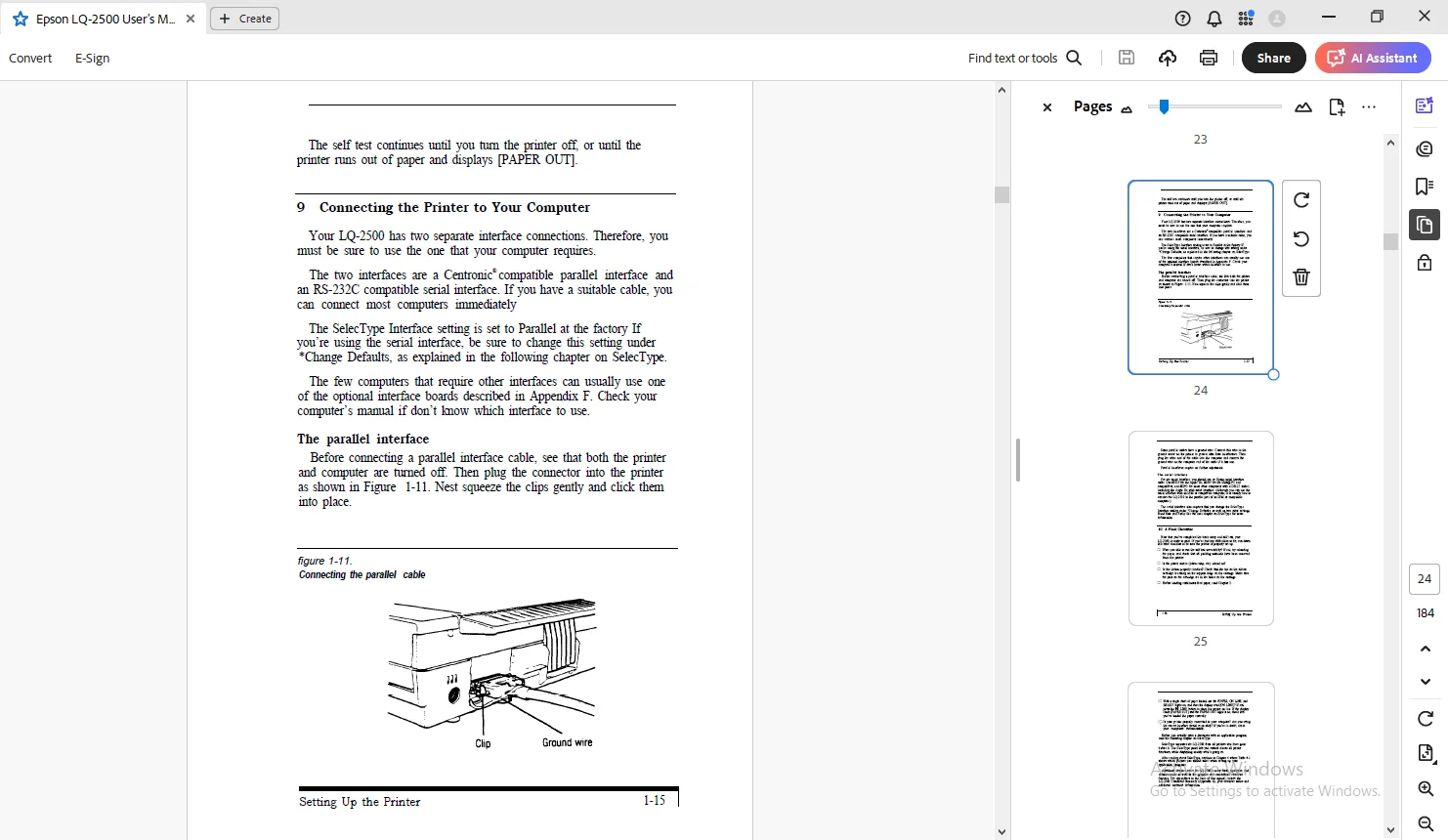
IMAGES PREVIEW OF THE MANUAL:
TABLE OF CONTENTS:
Epson LQ-2500 Users Manual – PDF DOWNLOAD
Introduction
Setting Up Your Printer Chapter 1
Setting Up the Printer 1-1 Unpacking the Printer Choosing a Place for the Printer 1-3 Installing the Ribbon 1-5 Turning On the Printer 1-6 Operating the Control Panel
1-9 Installing the Paper Guide 1-10 Loading Paper
1-13 Running the Self Test
1-15 Connecting the Printer to Your Computer 1-16 A Final Checklist
Select Type
Chapter 2
Select Type
2-1 The Select Type Panel 2-2 Entering Select Type 23 The Select Type Main Menu 2-4 *LOAD MACRO 2-8 *CHANGE MACRO 2-13 *CHANGE DEFAULTS [2-18] *PRINT OUT SETTINGS
Using Your Printer
Chapter 3
Choosing and Loading Paper 3-1 Choosing Paper
3-1 Loading Single Sheets
3-2 Loading Continuous-feed Paper 13-7 Loading Labels
3-8 The Paper Thickness Lever
Setting Up Your Printer Chapter 1
Setting Up the Printer 1-1 Unpacking the Printer Choosing a Place for the Printer 1-3 Installing the Ribbon 1-5 Turning On the Printer 1-6 Operating the Control Panel
1-9 Installing the Paper Guide 1-10 Loading Paper
1-13 Running the Self Test
1-15 Connecting the Printer to Your Computer 1-16 A Final Checklist
Select Type
Chapter 2
Select Type
2-1 The Select Type Panel 2-2 Entering Select Type 23 The Select Type Main Menu 2-4 *LOAD MACRO 2-8 *CHANGE MACRO 2-13 *CHANGE DEFAULTS [2-18] *PRINT OUT SETTINGS
Using Your Printer
Chapter 3
Choosing and Loading Paper 3-1 Choosing Paper
3-1 Loading Single Sheets
3-2 Loading Continuous-feed Paper 13-7 Loading Labels
3-8 The Paper Thickness Lever
Chapter 4
Using the LQ-2500 with Application Programs 42 Choosing the Correct Printer
42 Computer- Printer Communication 43 Setting Up Application Programs 4-4 Word Processors
4-7 Spreadsheets
4-10 Setting Up Graphics Programs [4-11] Programming Languages
Chapter 5
Using the LQ-2500 Print Features 5-1 Print Quality
5-2 Selecting Fonts
5-4 Print Pitch and Character Width 5-7 Using Character Tables and Sets
Chapter 6
Graphics and User-defined Characters 6-2 The Print Head
6-4 Graphics Commands
6-11 User-defined Characters
6-13] Defining Your Own Characters
6-17 Printing User-defined Characters
Command Summary Appendix A
Command Summary
A-4 Commands in Numerical Order A-7 Epson (ESC/P) Commands
Using the LQ-2500 with Application Programs 42 Choosing the Correct Printer
42 Computer- Printer Communication 43 Setting Up Application Programs 4-4 Word Processors
4-7 Spreadsheets
4-10 Setting Up Graphics Programs [4-11] Programming Languages
Chapter 5
Using the LQ-2500 Print Features 5-1 Print Quality
5-2 Selecting Fonts
5-4 Print Pitch and Character Width 5-7 Using Character Tables and Sets
Chapter 6
Graphics and User-defined Characters 6-2 The Print Head
6-4 Graphics Commands
6-11 User-defined Characters
6-13] Defining Your Own Characters
6-17 Printing User-defined Characters
Command Summary Appendix A
Command Summary
A-4 Commands in Numerical Order A-7 Epson (ESC/P) Commands
image.png
Reference Appendix B
ASCII Conversion Chart and Character Tables B1 ASCII Conversion Chart
B-3 International Character Sets-Draft
B-3 international Character Sets-Letter Quality B-4 How to Use the Charts
B-5 Epson Italics Character Set-Draft
B-5 Epson Italics Character Set-Letter Quality B-6 Epson Graphics Character Set-Draft
B-6 Epson Graphics Character Set-Letter Quality B-7 Epson Graphics Character Set
B-8 Proportional Width Tables
Appendix C
Typestyle Summary
C-3 Epson Draft
C-3 Selecting Typestyles with Master Select
Appendix D
Problem Solving and Maintenance D-1 General Troubleshooting
D4 Troubleshooting Graphics Problems
D-5 Troubleshooting for Serial Interface Communications
D-5 Hex Dump Mode
D-7 Solutions for IBM and Compatibles
D-7 IBM BASIC Solutions
D-Z Maintaining Your Printer
D-8 Transporting the Printer
Appendix E
Initialization and Default Settings
ASCII Conversion Chart and Character Tables B1 ASCII Conversion Chart
B-3 International Character Sets-Draft
B-3 international Character Sets-Letter Quality B-4 How to Use the Charts
B-5 Epson Italics Character Set-Draft
B-5 Epson Italics Character Set-Letter Quality B-6 Epson Graphics Character Set-Draft
B-6 Epson Graphics Character Set-Letter Quality B-7 Epson Graphics Character Set
B-8 Proportional Width Tables
Appendix C
Typestyle Summary
C-3 Epson Draft
C-3 Selecting Typestyles with Master Select
Appendix D
Problem Solving and Maintenance D-1 General Troubleshooting
D4 Troubleshooting Graphics Problems
D-5 Troubleshooting for Serial Interface Communications
D-5 Hex Dump Mode
D-7 Solutions for IBM and Compatibles
D-7 IBM BASIC Solutions
D-Z Maintaining Your Printer
D-8 Transporting the Printer
Appendix E
Initialization and Default Settings
ppendix F
Choosing and Setting Up Optional Interfaces F-1 Compatible Interfaces F-2 Choosing an Interface F-4 Installing an Interface
F-6 Inserting the Interface Board F-7 Serial Interface Settings
Appendix G
Technical Specifications G-1 Printing G-2 Paper
G-2 Mechanical Electrical Environment
Appendix H
Interface Specifications The Parallel interface
H-1
H-3 The Serial Interface
Glossary
Index
Choosing and Setting Up Optional Interfaces F-1 Compatible Interfaces F-2 Choosing an Interface F-4 Installing an Interface
F-6 Inserting the Interface Board F-7 Serial Interface Settings
Appendix G
Technical Specifications G-1 Printing G-2 Paper
G-2 Mechanical Electrical Environment
Appendix H
Interface Specifications The Parallel interface
H-1
H-3 The Serial Interface
Glossary
Index
DESCRIPTION:
Epson LQ-2500 Users Manual – PDF DOWNLOAD
Introduction:
- The Epson LQ-2500 introduces a new concept in dot matrix printing. In addition to the speed and sharpness of a 24-pin, dot matrix printer, the LQ now has SelecType with a Liquid Crystal Display SelecType lets you control your printing with a touch of a button, and the LCD tells you what’s happening.
- You can even create your own macros to save your most-used printer settings. The LQ-2500 has five built-in Letter Quality fonts to choose from, so you don’t have to buy extra cartridges or options.
- The LQ is also capable of a wide variety of print enhancements, including
- The LQ-2500 combines the versatility and reliability of Epson products with a wide range of exciting features:
- You can control all printing operations from the control panel with Select Type, and know what’s happening by reading the LCD. There are four preset macros you can use, or you can create your own. You can select either draft or Letter Quality or one of the five built-in fonts, with a touch of a control panel button. There are two built-in paper feeding systems: An automatic single-sheet loading method, and an easy-to-load push tractor unit.
- The LQ has built-in parallel and serial interfaces, so there’s no need for extra options or modifications.
- The Color Option kit transforms the LQ-2500 into a seven-color printer, for finely detailed color printing. G
Using this manual:
- To make it easier to set up your new LQ-2500, this manual includes a 10-step guide to setting up your printer.
- The outline on the back cover flap, and the numbered steps in the chapter take you from unpacking. through ribbon and paper loading, to a final printing checklist.
- Five easy-to-find section dividers in the manual make it simple for beginners or experienced users to look up information. The five sections are: Setting Up Your Printer, SelecType, Using Your Printer, Command Summary and Reference.
- There is also a glossary after the appendixes, and a diagram on the Quick Reference card to help you with SelecType.
G.B 01/03/25