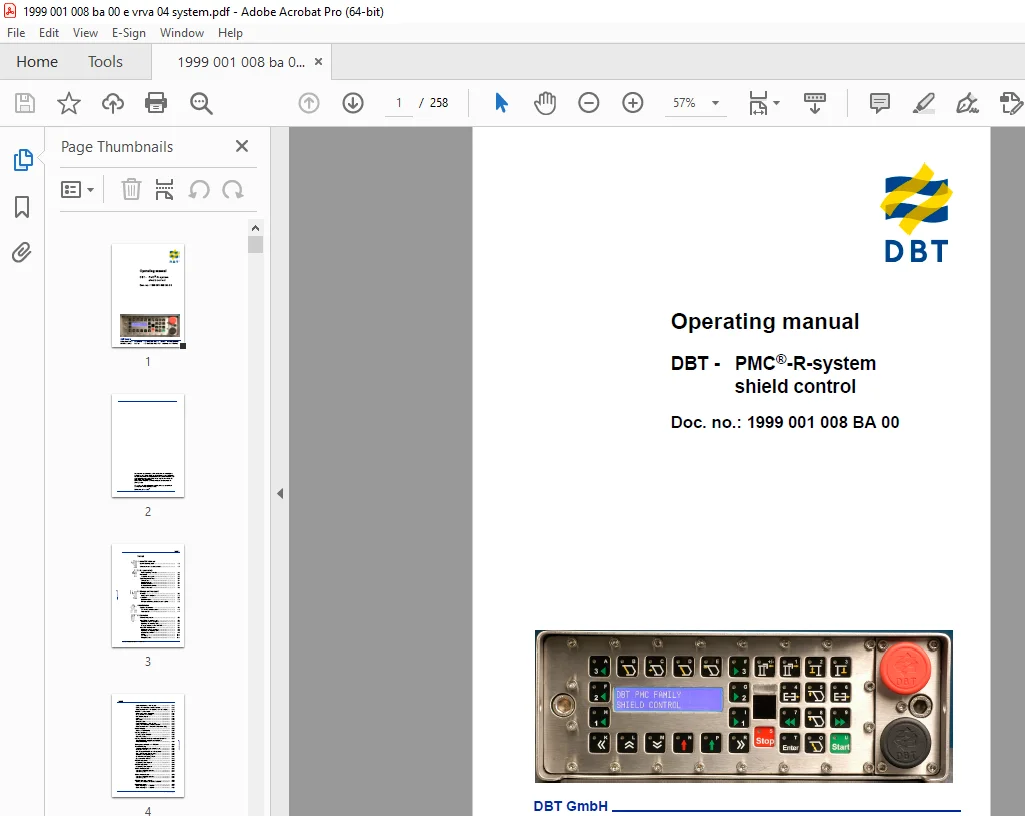
CAT DBT PMC-R-system shield control Operating Manual – PDF DOWNLOAD
$28.95
CAT DBT PMC-R-system shield control Operating Manual – PDF DOWNLOAD
Description
CAT DBT PMC-R-system shield control Operating Manual – PDF DOWNLOAD
FILE DETAILS:
CAT DBT PMC-R-system shield control Operating Manual – PDF DOWNLOAD
Language : English
Pages : 258
Downloadable : Yes
File Type : PDF
IMAGES PREVIEW OF THE MANUAL:
TABLE OF CONTENTS:
CAT DBT PMC-R-system shield control Operating Manual – PDF DOWNLOAD
1 About this manual
Before starting work 1 3
Characters and symbols used 1 4
2 For your safety
Further operating manuals 2 3
Personnel 2 3
Installation and repair 2 3
Operating conditions 2 4
Intended use 2 4
Unauthorized use 2 4
Ambient conditions 2 4
Prerequisites for operation 2 4
Safety instructions 2 5
3 Storage and transport
Storage 3 3
Storage of the equipment 3 3
Transport 3 3
Before transport 3 3
Transport containers, dimensions and weights 3 3
4 Installation
General comments 4 3
The drawing number system 4 3
Tools required 4 4
5 Operation
Control equipment 5 3
The PMC®-R – control unit 5 3
Maintenance of the computers 5 3
Tightening the mounting bolts 5 3
Example keyboard for the PMC®-R 5 4
The PM4 – control unit 5 9
Maintenance of the computers 5 9
Tightening the mounting bolts 5 9
Keyboard layout PM4 5 9
Display 5 11
Idle display 5 11
Emergency stop 5 11
DBT GmbH, Lünen 2006E
Inhalt
DBT – PMC®-R-system
Local shield locking switch (black) 5 12
Display of unconnected or faulty sensors 5 12
Menu structure in the PM4 (columns from left to right) 5 12
The PMI – control unit 5 14
Maintenance of the computers 5 14
Fixing the PMI in the shield 5 14
PMI keyboard layout 5 14
Display 5 16
Idle display 5 16
Emergency stop 5 17
Local shield locking switch (black) 5 17
Display of unconnected or faulty sensors 5 17
Menu structure in the PMI (columns from left to right) 5 17
Default display 5 20
Standard default display 5 20
Loading program 5 22
Loading a single PMC®-R 5 22
Beginning loading 5 22
Loading from the underground central control 5 25
Transfer PMC®-R program from PMC®-R to
PMC®-R (boot up) 5 26
Setting up a network with PMC®-R 5 28
Troubleshooting 5 31
Selected shield function is not performed 5 32
Incomplete network 5 35
One or several PMC®-R are without power 5 37
One PMC®-R control unit is faulty 5 39
Shutdown of one power group 5 40
All of the PMC®-R displays flash 5 40
Data connection (DÜSE) 5 42
PMC®-R operation 5 45
Neighboring control system 5 45
PMC®-R operation 5 46
Neighboring control system 5 46
Automatic sequence 5 47
Sequence controlled manually 5 47
Sequence group 5 47
Automatic sequence 5 48
Sequence controlled manually 5 48
Sequence group 5 48
PMC®-R shearer assembly 5 49
Starting and stopping the shearer assembly 5 49
Block anchorage 5 54
Block anchorage in 1:1 solution 5 54
Block anchorage in 1:3 solution 5 56
DBT GmbH, Lünen 2006E
Inhalt
Doc no : 1999 001 008 BA 00 VRVA / 04
6 Technical data
Prop controls 6 3
PMC®-R/2 control unit 6 3
Design suitable for mining 6 4
Emergency stop / Shield locking switch 6 4
Rear side of the PMC®-R 6 5
Plug connections for Face-PMC®-R 6 5
Parameters 6 5
Brass retaining strip 6 8
Maintenance information 6 9
Declaration of conformity 6 9
Pin assignment for the PMC®-R-connectors 6 11
PM4 control unit 6 12
Design suitable for mining 6 12
Emergency stop / Shield locking switch 6 13
Rear side of the PM4 6 13
Connections for longwall-PM4 6 13
Parameters 6 13
Brass retaining strip 6 14
Maintenance instruction 6 14
Declaration of conformity 6 15
PMI control unit 6 17
The PMI control system 6 17
Design suitable for mining 6 17
Emergency stop / Shield locking switch 6 18
Rear side of the PMI 6 18
Connections to the face PMI 6 18
Maintenance instruction 6 20
Declaration of conformity 6 20
ExPC central computer MCU2 6 22
Base 6 24
Keyboard accessories 6 26
Declaration of conformity 6 27
PMC®-P XP optical Ethernet “Provider” 6 29
Patch cable 6 32
Fiber-optic connector box 6 32
Declaration of conformity 6 34
Configuring the PMC®-P XP 6 35
IP address of the PMC®-P XP unknown 6 35
Entering new IP address 6 39
IP address of the PMC®-P XP known 6 40
Establishing a connection to the PMC®-P XP via LAN 6 43
Testing a connection to PMC®-P XP 6 45
Calling up the PMC®-P from the input prompt 6 46
Solenoid Driver 6 47
DBT GmbH, Lünen 2006E
Inhalt
DBT – PMC®-R-system
Function 6 48
Declaration of conformity 6 50
Solenoid driver PMC-SD1 6 51
Function 6 52
Declaration of conformity 6 52
Coding plug 6 53
Coding plug SKK24 6 53
6 53
Other coding plugs 6 53
Declaration of conformity 6 56
Sensors 6 57
Pressure sensor 6 57
Safety instructions 6 57
Declaration of conformity 6 60
Reed-switch rod 6 64
Safety instructions 6 64
Reed-switch rod supplied by Tiefenbach 6 65
Maintenance information 6 65
Declaration of conformity 6 65
Short to ground sensor ESS1 6 67
Declaration of conformity 6 68
Infrared transmitter 6 70
Declaration of conformity 6 71
Infrared transmitter 6 73
Declaration of conformity 6 74
Infrared transceiver 6 75
Declaration of conformity 6 76
Inclinometer 6 78
Technical data: 6 79
Declaration of conformity 6 79
Proximity sensor WB-NS 6 81
Declaration of conformity 6 83
Additional components 6 84
Universal holding plate 6 84
Cables and lines 6 85
Declaration of conformity 6 85
SKK 24 hose cable system 6 87
DOUBLE ADAPTER SKK24 BUSH/BUSH 6 88
Connection cable 6 89
Loading cable 6 90
Power supply 6 91
Double power supply 6 95
DBT GmbH, Lünen 2006E
Inhalt
Doc no : 1999 001 008 BA 00 VRVA / 04
Declaration of conformity 6 99
Coupler 6 101
SUPPLY ADAPTER PM4/*** and PMC/***; ATEX 6 101
Optocoupler (Isolation adapter – IA) 6 101
Optocoupler (Isolation adapter – IA) 6 102
Declaration of conformity 6 104
E-Stop distributor 6 108
Declaration of conformity 6 109
VADA distributor 6 111
6 111
Declaration of conformity 6 113
LD coupler 6 115
Declaration of conformity 6 117
ZBUS coupler 6 119
Declaration of conformity 6 120
RS 485 coupler 6 122
Declaration of conformity 6 124
TTY coupler 6 126
Declaration of conformity 6 129
Potential-free contact (PFC1 coupler) 6 131
Declaration of conformity 6 132
External shield support blocking switch 6 134
Declaration of conformity 6 137
PMC/STSW stop switch 6 140
Declaration of conformity 6 141
Magnetic limit switch 6 143
Declaration of conformity 6 144
Pressure switch, type DS 103 – * 6 146
Declaration of conformity 6 146
Camera PMC Serial 6 148
Warning lamp 6 149
Declaration of conformity 6 150
Beeper TB27 and TP27 6 152
Declaration of conformity 6 153
Data transfer equipment UDI/GN and
DÜSE 5i/l 6 154
Control system PMC®-R 6 155
Declaration of conformity 6 157
PMC control system®-LD 6 159
Components System 6 160
Authorized accessories 6 161
Declaration of conformity 6 163
DBT GmbH, Lünen 2006E
Inhalt
DBT – PMC®-R-system
Control System_ExPC 6 165
Manufacturer declaration 6 167
7 For your information
Service addresses 7 3
Europe 7 3
North America, Canada, South America 7 4
Australia 7 4
Africa 7 4
Asia 7 4
Standards and Guidelines 7 7
Referenced national standards and guidelines 7 7
Referenced European standards and guidelines 7 7
DESCRIPTION:
CAT DBT PMC-R-system shield control Operating Manual – PDF DOWNLOAD
About this manual
This chapter provides you with important information which will
make working with this manual easier. In addition, there is also
information on the structure of this manual and the symbols and
characters used.
Before starting work
You will endanger yourself, others and equipment if you do not use
the manual which matches the aforementioned application.
Ensure that the details on the housings for the system components
verify that they belong to the MCU system
This operating manual belongs to the
control system for a shield with components from the MCU
system.
Up-to-date operating manual:
- Operating manuals for the relevant shield must be made available
at the place of operation at all times.
Ask for the appropriate operating manuals immediately should the
available ones no longer be complete or have become illegible.
S.V 24/03/2025